Music from a KNX switch.
A wall button sends a playback command to a speaker connected through Home Assistant.
- KNX wall button
- HyperVisu + Home Assistant
- Connected speaker

A wider world. At home in KNX.
KNX is already connected to HyperVisu. Run Home Assistant on the same server to add devices such as an audio amplifier, smart plug, smart TV or Zigbee sensor. Bring them into the same HyperVisu app as your KNX and other protocol devices, and use the KNX Bridge for pushbutton control and status feedback.
See the integration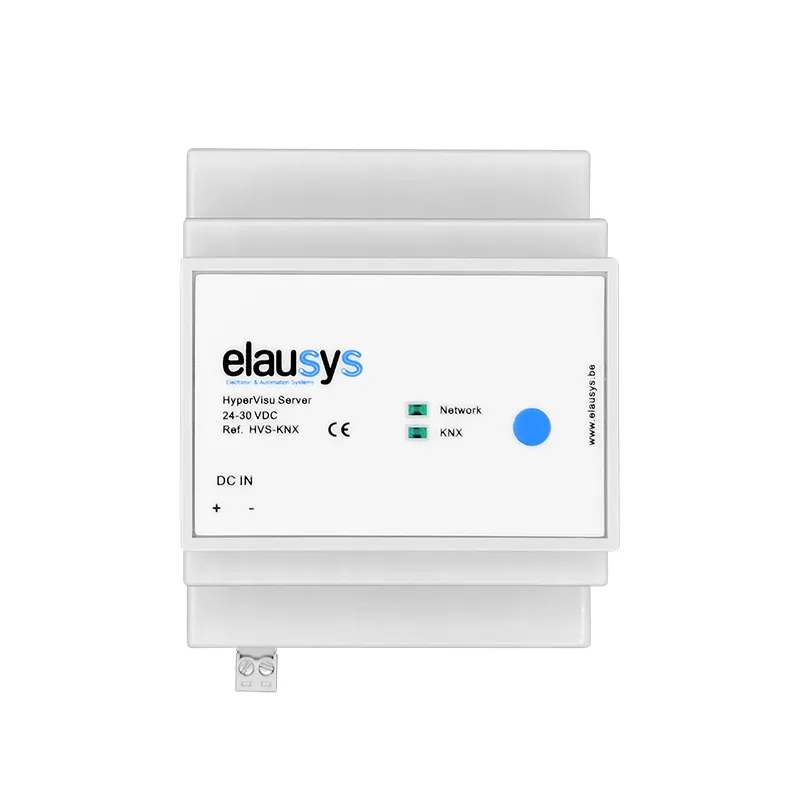

Running on your server
Home Assistant runs alongside HyperVisu on the same server. Devices connected through Home Assistant become part of your HyperVisu project, alongside KNX and other protocols. Control them in the same app, then map commands and states to KNX through the KNX Bridge when needed.
Explore the KNX BridgeON THE HYPERVISU SERVER
Two directions. One installation.
A wall button sends a playback command to a speaker connected through Home Assistant.
A Zigbee motion sensor reports to Home Assistant. Its mapped state becomes available to KNX lighting logic.
Illustrative scenarios. Available commands and states depend on the device and its Home Assistant integration.
For the integrator
Add the amplifier, smart plug, TV or sensor through its Home Assistant integration and check its controls and states.
Add the connected device functions to your HyperVisu project and place their controls in the same views as your KNX devices.
Use the KNX Bridge to map commands from pushbuttons and return device states or sensor readings to KNX group addresses.
KNX is already connected to HyperVisu. Home Assistant runs on the same server and connects additional types of devices. Their controls and states can be integrated into the same HyperVisu app as native KNX devices and devices using other protocols.
Examples include an audio amplifier, smart plug, smart TV or Zigbee sensor. Connect the device through its Home Assistant integration, then bring its available controls and states into your HyperVisu project. The integration determines which device functions are available.
Yes. Integrate their controls and states into your HyperVisu project and place them in your rooms and views alongside KNX and other protocol devices. Users can operate the connected building through one familiar HyperVisu app.
Yes. The Universal KNX Bridge maps commands from KNX group addresses to connected device functions. A KNX pushbutton can control an amplifier, smart plug or other integrated device, with feedback available to the project. Explore the KNX Bridge.
Functions running directly in KNX devices remain available. Home Assistant devices, automations and mappings that depend on that service stop working. HyperVisu's independent KNX functions can continue if its server and network remain operational; a whole-server outage is a different situation.
Yes. Use the KNX Bridge to map device states and sensor readings to KNX group addresses. KNX displays and logic can then use information such as a plug's state, an amplifier's status or a Zigbee sensor reading. Explore the KNX Bridge.
Explore the server or find help for your project.