Scenes
A better
good morning.
Raise the shades, set the lights and start the coffee machine. Bring your chosen devices together in one scene.
One scene. Many actions.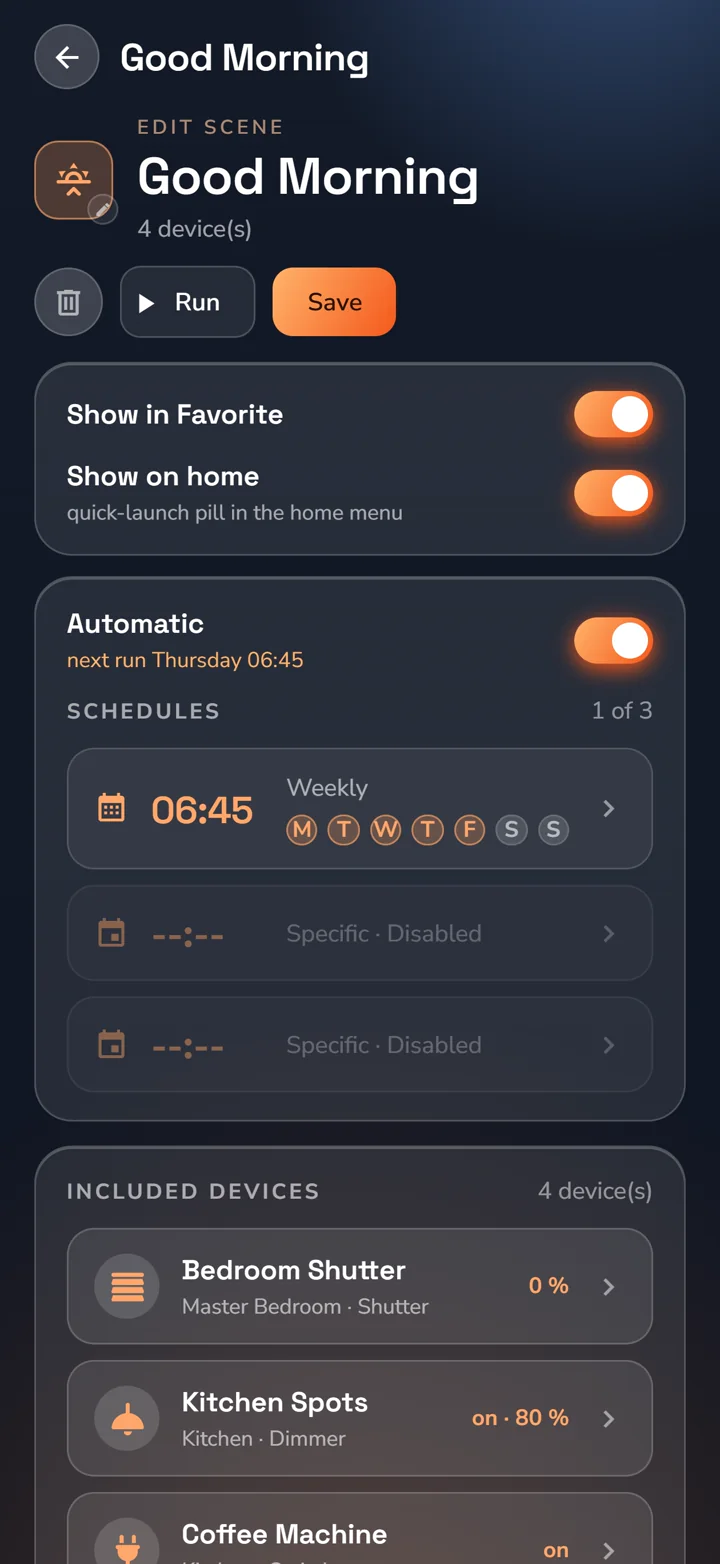

Your building. In one app.
Bring rooms, controls and building systems into one interface. HyperVisu runs locally, with Home Assistant, Modbus TCP and Grafana alongside your KNX visualisation.
See the whole picture
Start with a floor plan. Make a dashboard your own. Bring energy and equipment to life with animated flows and live values.
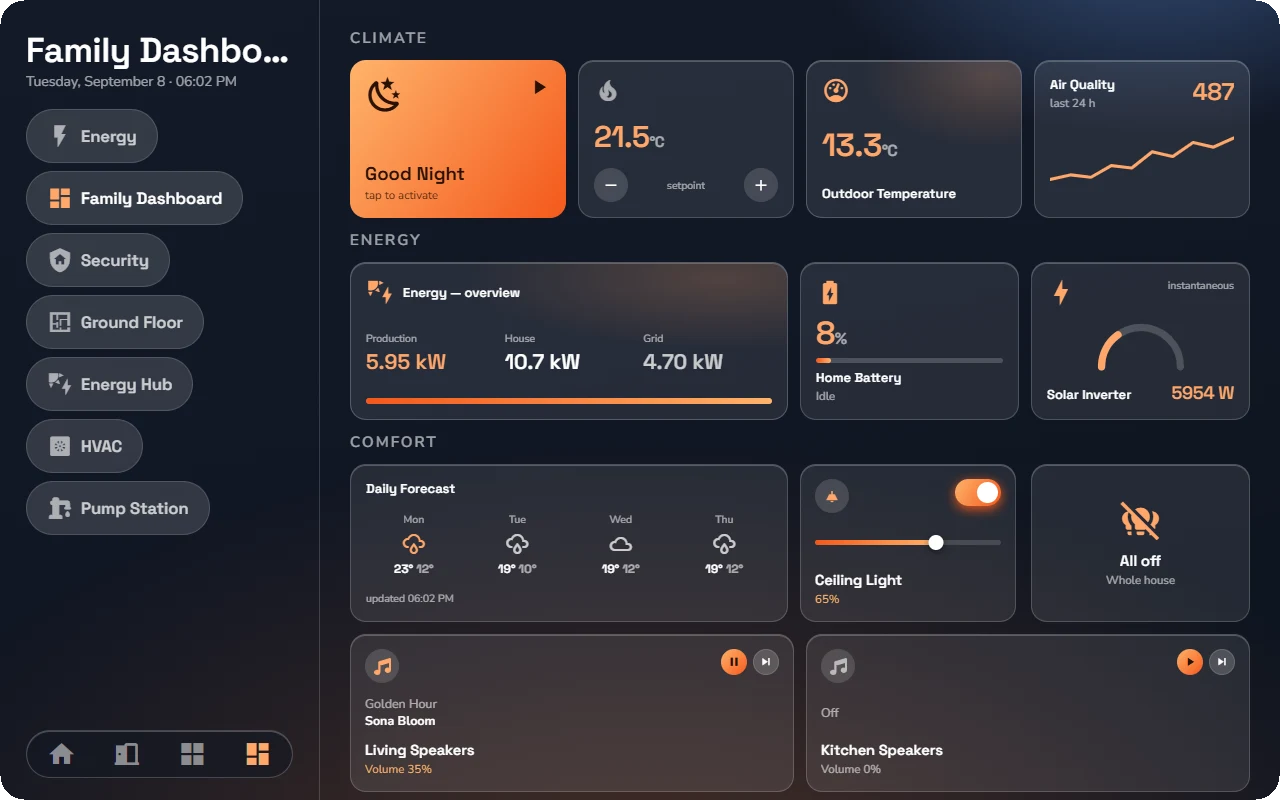
See lights, temperatures and occupancy in context. Open a room to reach its controls.
Built around your space. Floor plans and layouts that make sense for your building.
Connected to your systems. Values, states and controls together in the same view.
Made for everyday use. The essentials for a home. The detail a facility needs.
Familiar from the first tap
A room at a time or the whole building at once. Move naturally from an overview to the exact control you need.
Choose tiles or a list. Keep favourites close and whole-building commands within reach.
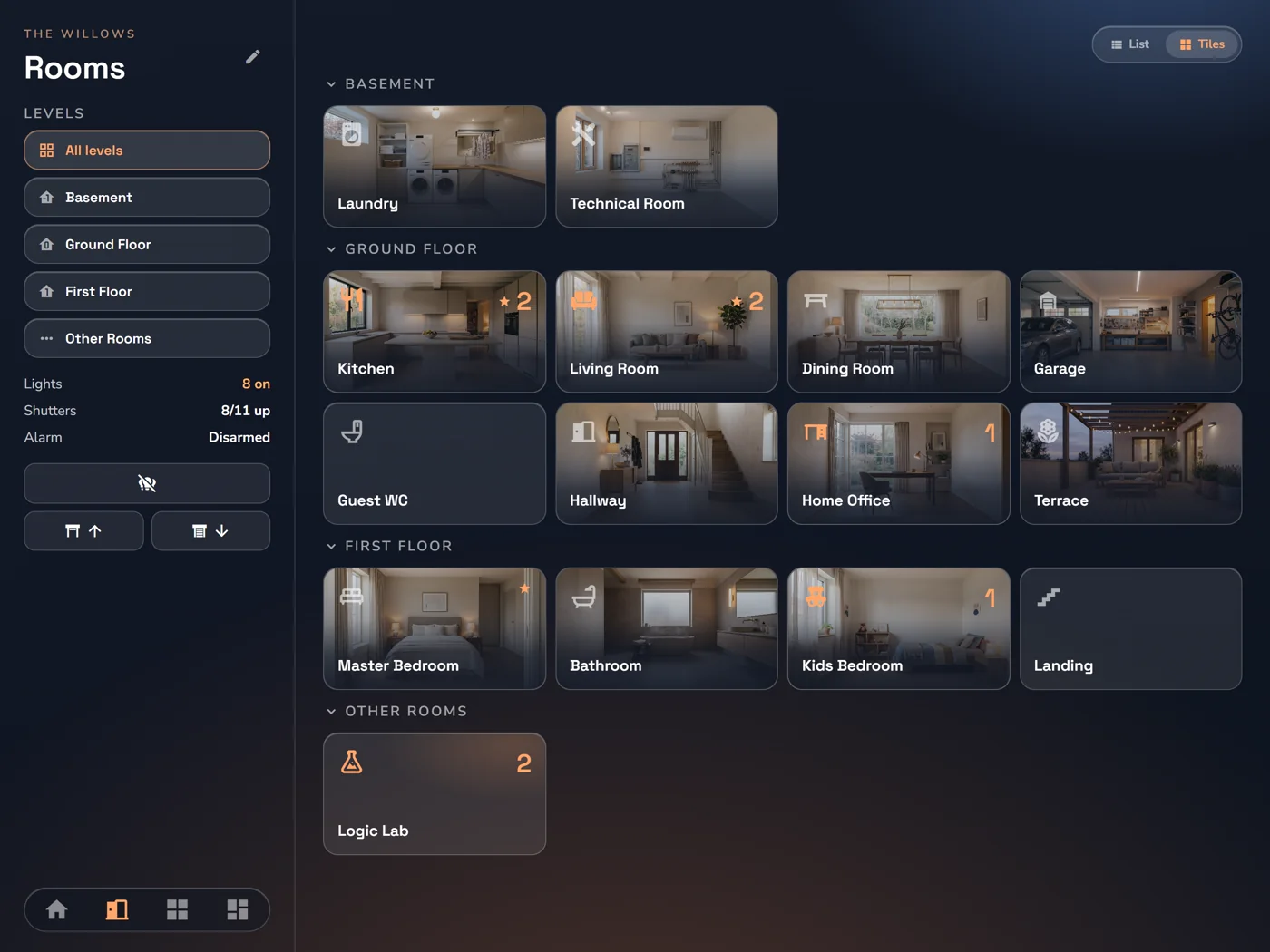
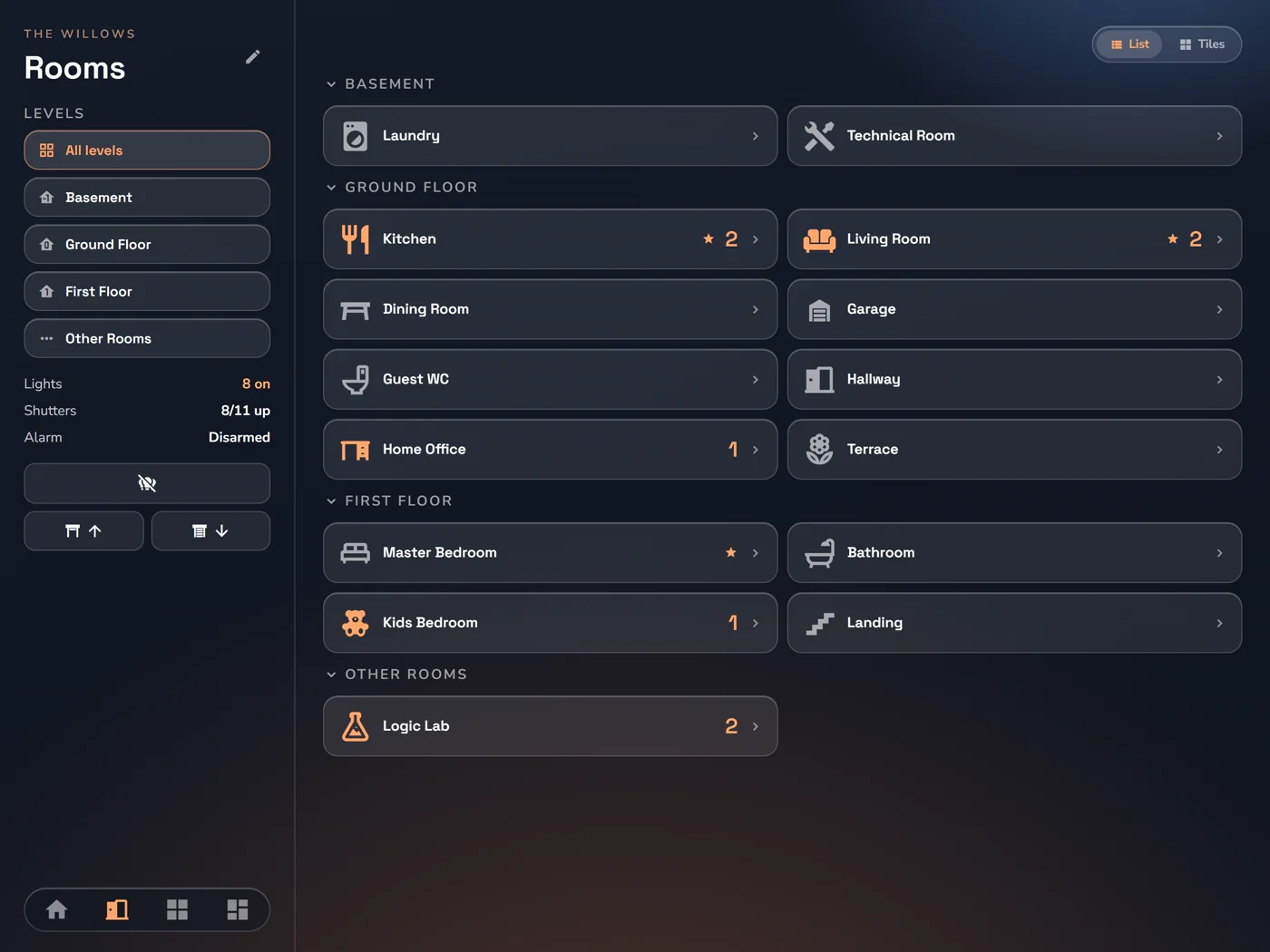
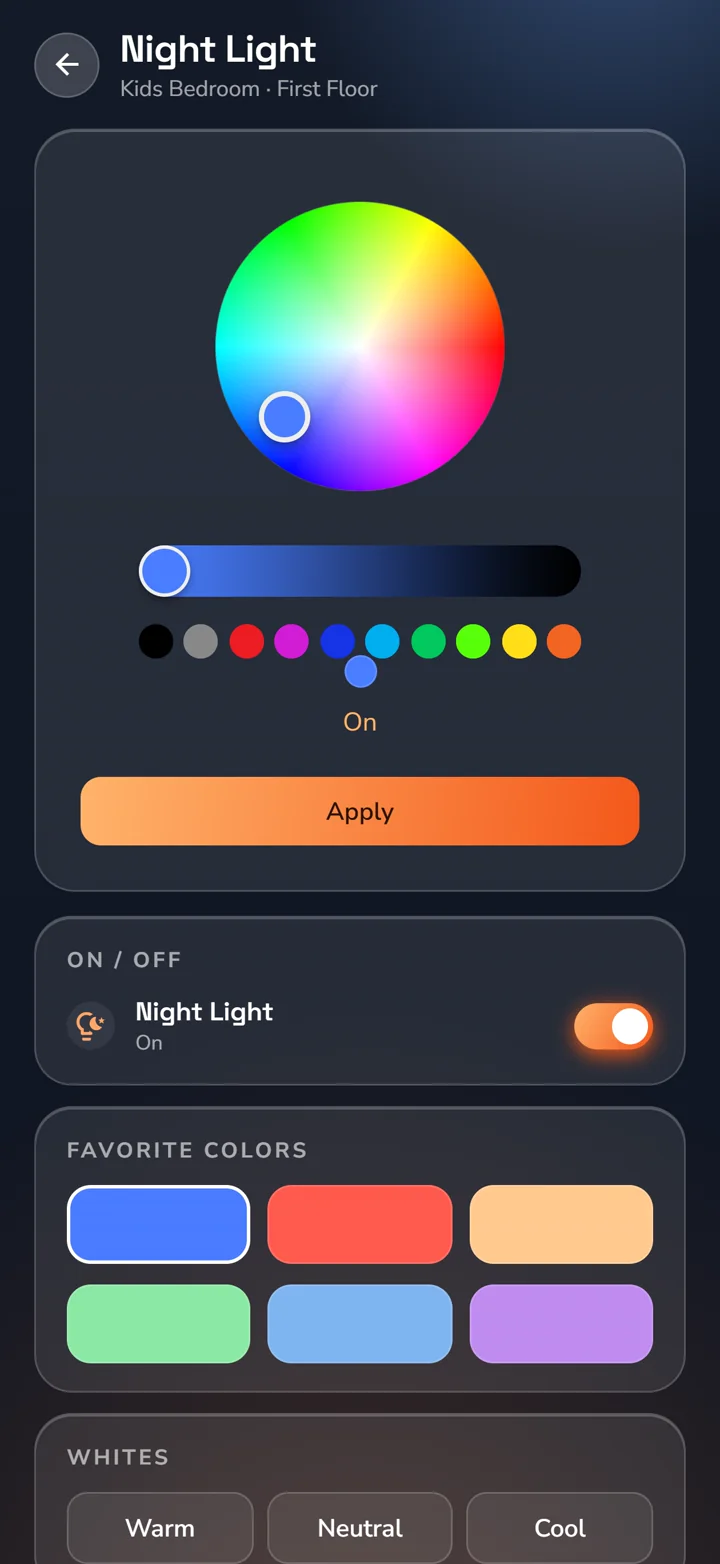
A full colour wheel, saved favourites and precise brightness. RGB and RGBW lighting, all in the same app.
Set it once. Enjoy it every day.
A single tap can set the scene. A schedule or a change in your building can take care of the rest.
Scenes
Raise the shades, set the lights and start the coffee machine. Bring your chosen devices together in one scene.
One scene. Many actions.Automations
Use solar production as a trigger, check your conditions and run the actions. Build the routine directly in the app.
When → If → Then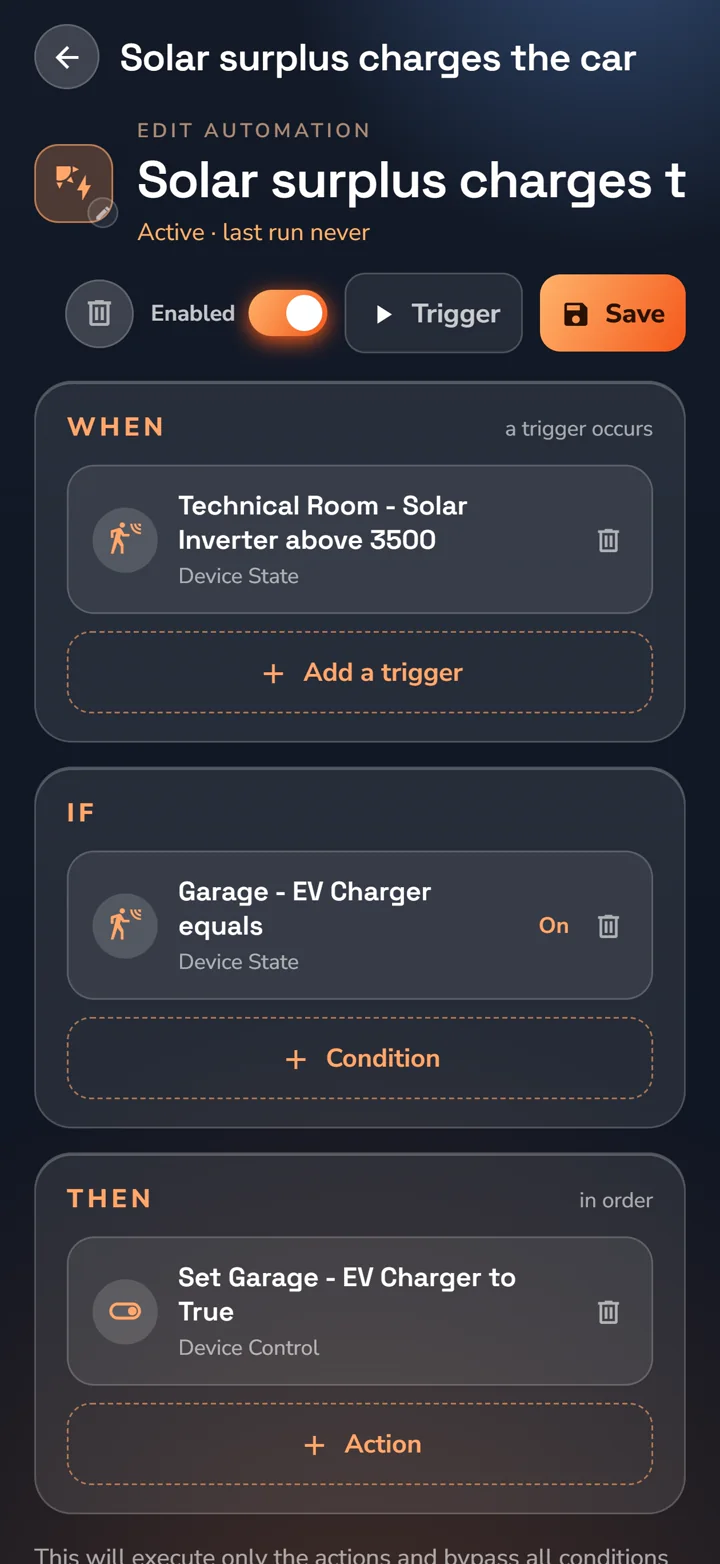
Comfort has a rhythm. Set a weekly heating program with comfort, standby and night modes.
Energy, understood
Bring solar, battery, grid and consumption together. Understand the moment—and the pattern behind it.
See production, consumption and charging in your Energy Hub.
Explore history from your meters, from the last 24 hours to 12 months.
Use day-ahead prices to inform your routines and run loads at the right time.
Feels like yours
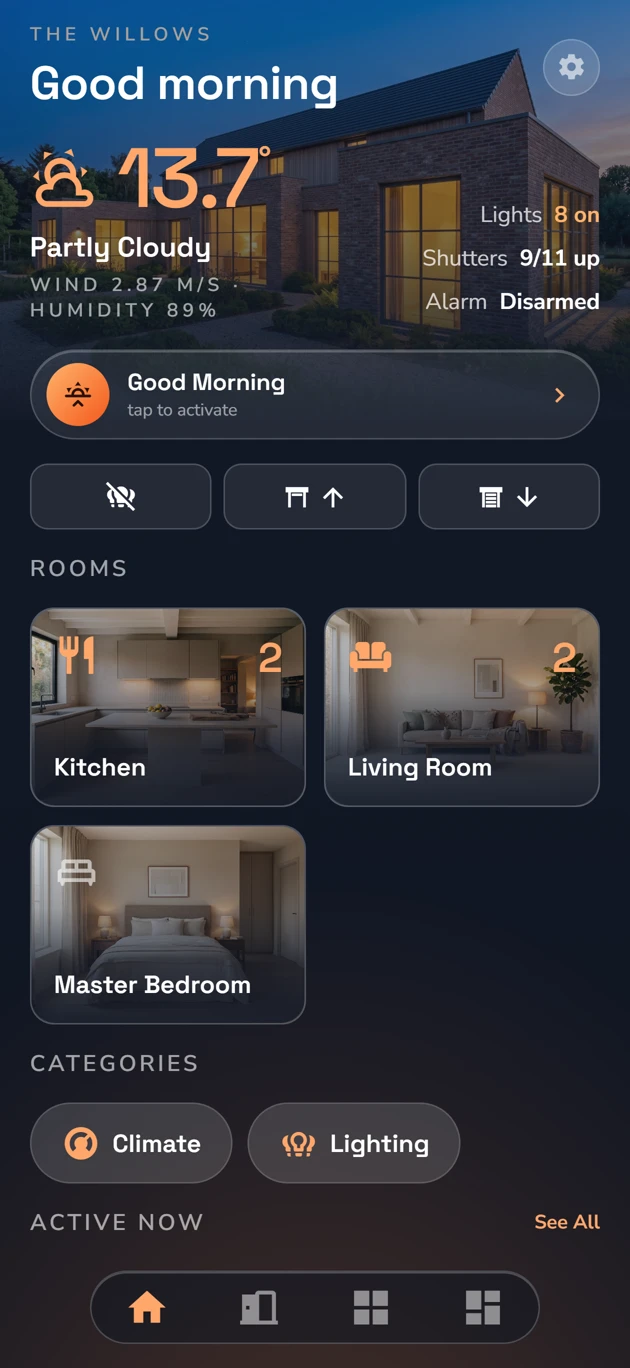
Four themes. Five accents. Light or dark.
Add your own photos to the Home screen and room tiles to make it truly yours.
Photo examples show each theme’s signature accent in dark mode. Turn photos off to explore all colours and appearances.
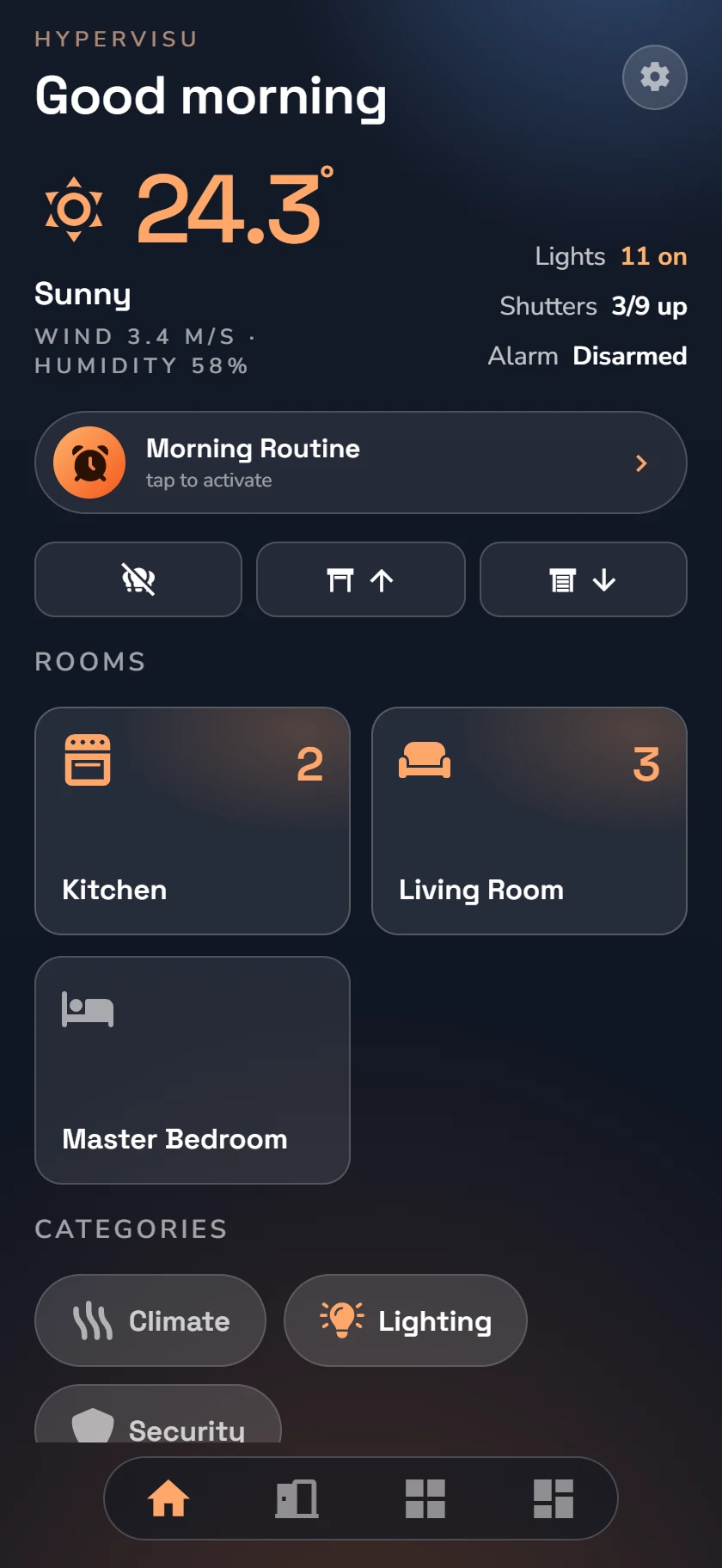
Glass · Dark · Orange · Without photos
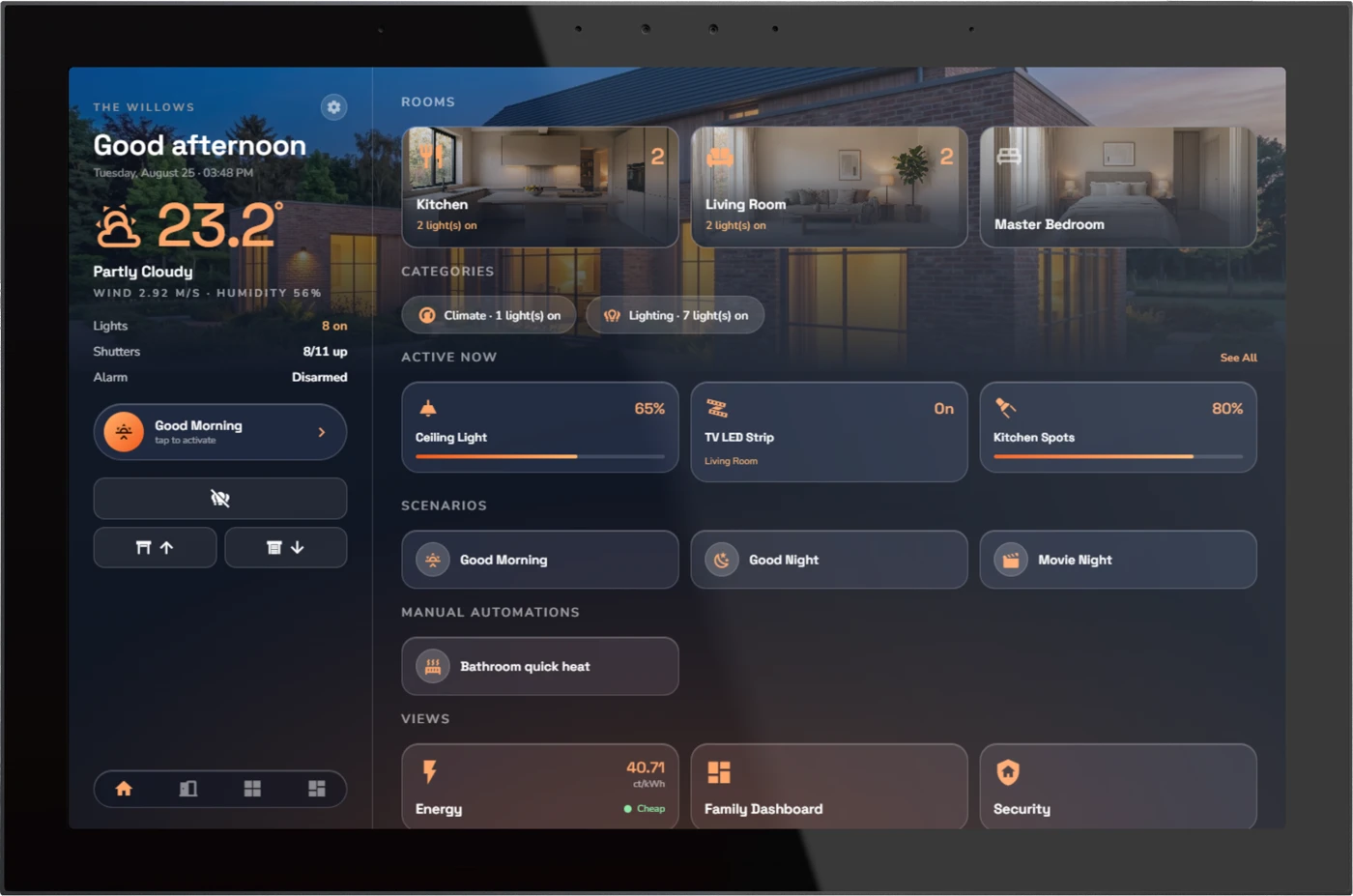
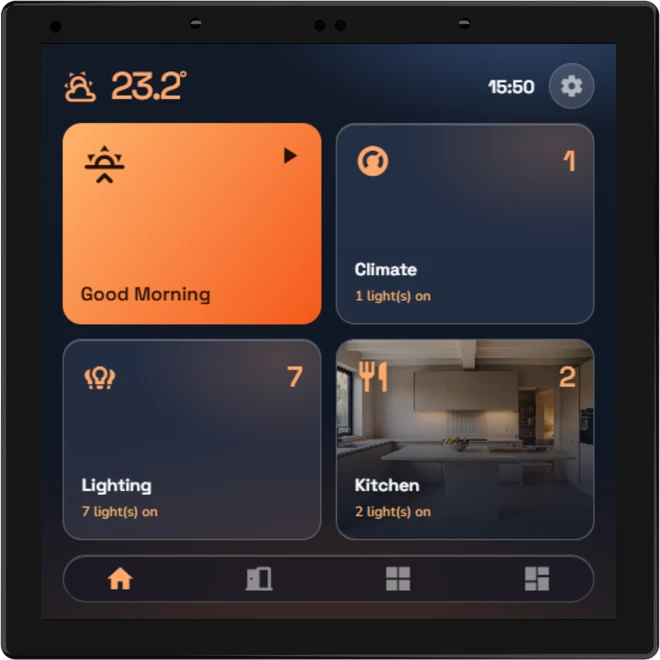
Always within reach
A panel by the door. A tablet in the hall. A phone wherever you are.
The foundation
The connections, the logic and the services—all on your HyperVisu server. Local hardware at the heart of your installation.
Connect across systems
Running on your server
Home Assistant runs directly on the HyperVisu server, alongside Node-RED, Grafana and the MQTT broker. One place for your building controls and the services behind them.
Explore Home AssistantConnect your smart-home ecosystem.
Runs on HyperVisuCreate flows across your devices and services.
Runs on HyperVisuExplore your building’s data in dashboards.
Runs on HyperVisuExplore dashboardsKeep device messaging on your local server.
Runs on HyperVisuUniversal KNX bridge
Connect a KNX wall switch to an IP sound system, or show a Modbus meter’s values on a KNX display. Map group addresses across the devices in your building.
Server-side logic
Build logic with function blocks across protocols. The rules run on the server.
Built for the whole project
Tools for the people using the building and the people looking after it.
Give users access to the rooms and controls they need. Protect alarm arming and disarming with a PIN, and bring camera views alongside building controls.
Remote ETS programming, live and historical KNX bus monitoring, and value trends help installers investigate events and maintain the installation.
Use automations and logic to send push notifications or emails. Integrate compatible door stations for calls on touch screens and mobile devices.
Bring weather forecasts and day-ahead prices into your views and routines. These external data services require an internet connection.
Fits your installation
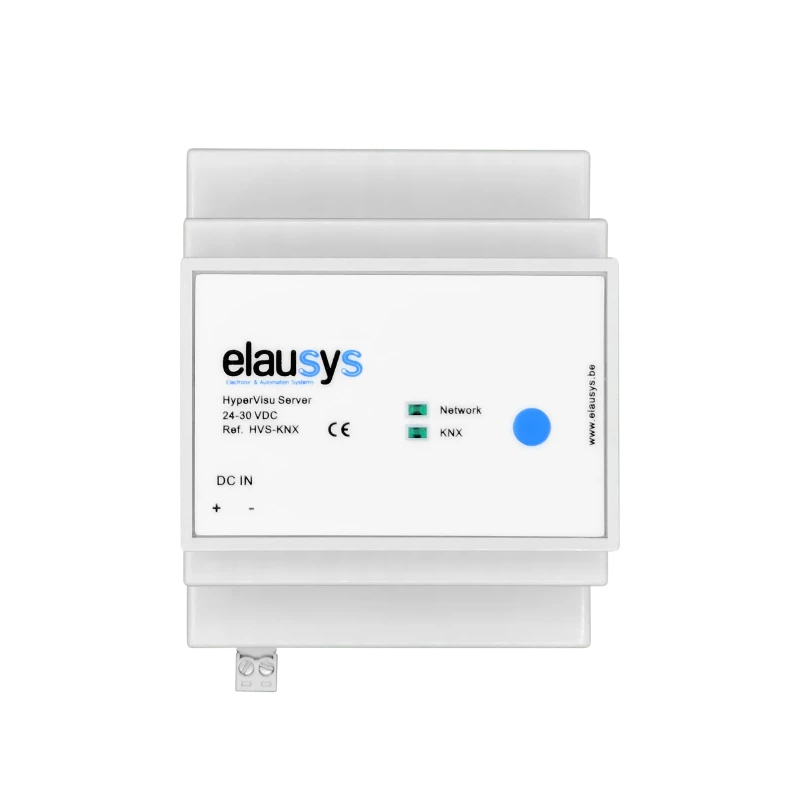
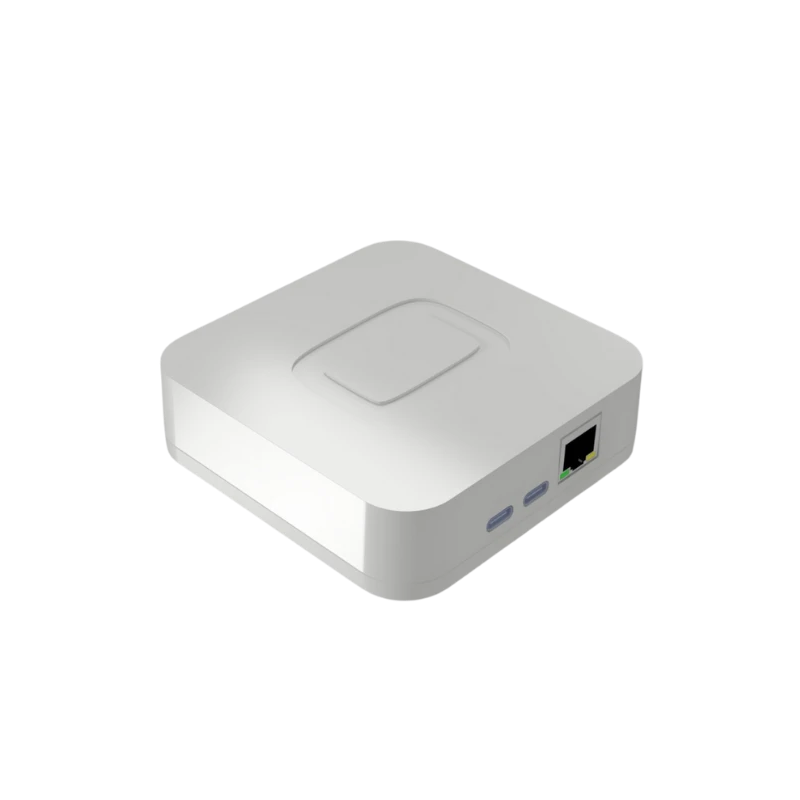
In the electrical cabinet or mounted on a surface.
Choose the enclosure that fits your project.
Everyday installations
More services & integrations
Larger projects
Take a closer look
Discover how HyperVisu brings it all together.
It connects building functions to an interface for a browser, app or touch panel. HyperVisu runs on a local server configured for your devices, with KNX access through a KNX/IP interface or router. It brings views, server logic and supported integrations together.
Yes, local building control and server logic run on the installation. Remote access, weather forecasts, day-ahead prices and internet-based integrations require connectivity. Functions depend on the relevant server, network and connected equipment remaining available.
Yes. Configure views combining floor plans, dashboards and system graphics with the values and controls needed in your building. The project serves the HyperVisu app, browser and compatible touch panels, with layouts and access adapted to the installation. KNX energy dashboards.
Supported device functions can be mapped through the HyperVisu KNX Bridge to group addresses. This lets configured KNX switches send commands and lets the building use available feedback. The commands and states depend on the device and its Home Assistant integration, which must remain available. Home Assistant and KNX.
HyperVisu brings together Modbus TCP, MQTT, BACnet/IP and supported network integrations, with services including Home Assistant, Node-RED and Grafana. Available controls depend on the connected equipment and project configuration. Check the required function and protocol before specifying an integration. Explore the KNX Bridge.
Compare the functions your project needs: local control, supported protocols, visualisation, user access, configuration workflow and maintenance. HyperVisu combines KNX views with hosted services and mapping across supported systems. Check actual device compatibility and runtime dependencies rather than choosing solely by the number of integrations.