Huawei
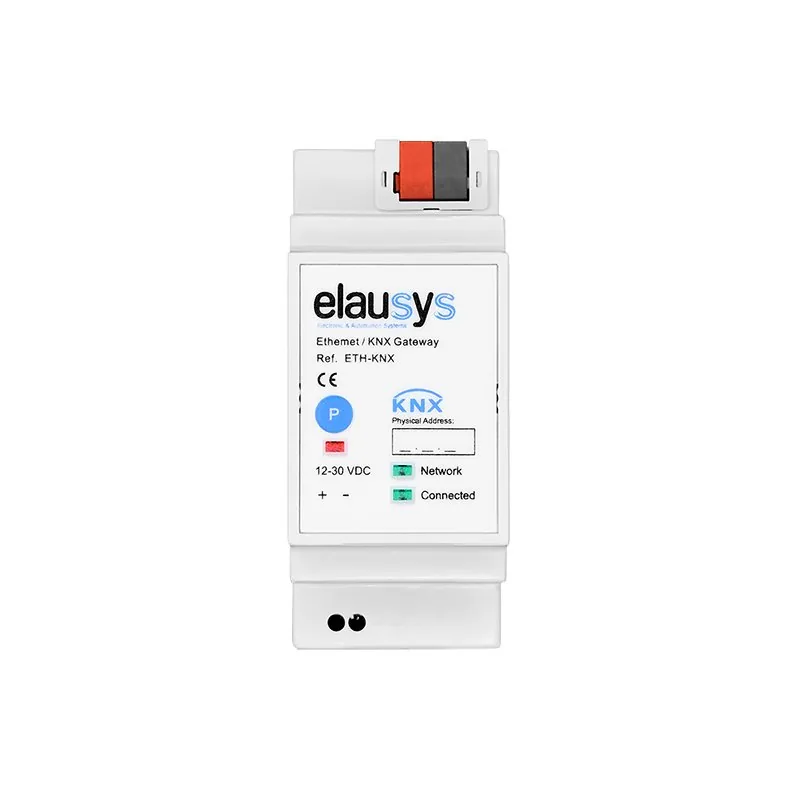
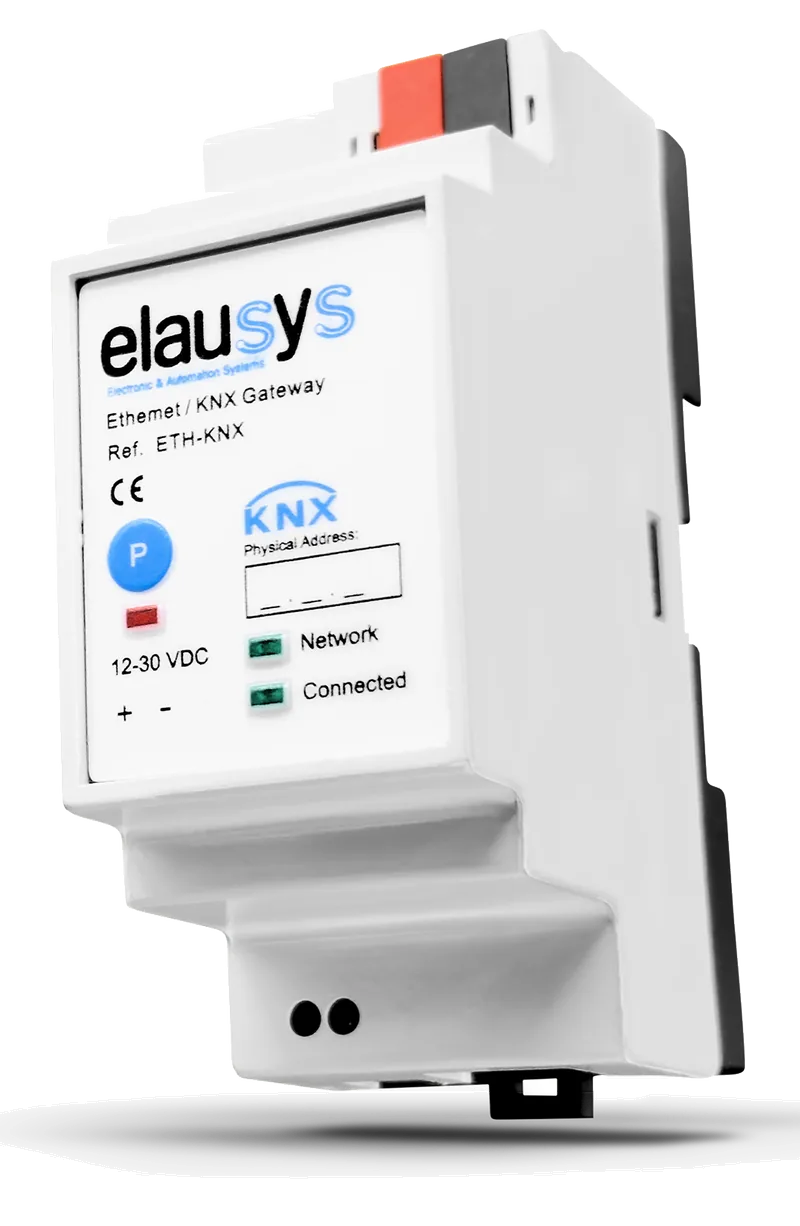
INV-KNX-HU
SUN2000 / EMMA
Prepare the connection
SUN2000: SmartDongle firmware SPC120 or later, or EMMA. Enable Modbus TCP in FusionSolar.
Data for your project
PV, battery and grid measurements; some objects are unavailable through EMMA.

Your solar energy. Connected to KNX.
Read your inverter over Modbus TCP using its supplied register mapping. Bring production, grid and battery measurements into KNX for visualisation and load-control logic, already mapped in ETS.

Where provided by the inverter and connected meter.
Up to 64 logic functions in the gateway.
Eight brands. Dedicated gateways.
The register mapping is provided for the supported model. The inverter-side network setup still needs to be prepared.
Huawei
SUN2000 / EMMA
SUN2000: SmartDongle firmware SPC120 or later, or EMMA. Enable Modbus TCP in FusionSolar.
PV, battery and grid measurements; some objects are unavailable through EMMA.
SMA
Sunny Boy / Sunny Tripower
Enable the Modbus TCP server on a supported inverter. Configure the gateway’s Unit ID according to the SMA guide.
Production data and supported battery status/SOC. Use a separate KNX meter for grid import/export.
Fronius
Gen24 / Symo / Primo
Enable Modbus TCP on Gen24 or Datamanager. Select the int+SF SunSpec format and the matching inverter model.
Production and supported storage data; configure the Fronius Smart Meter ID for meter readings.
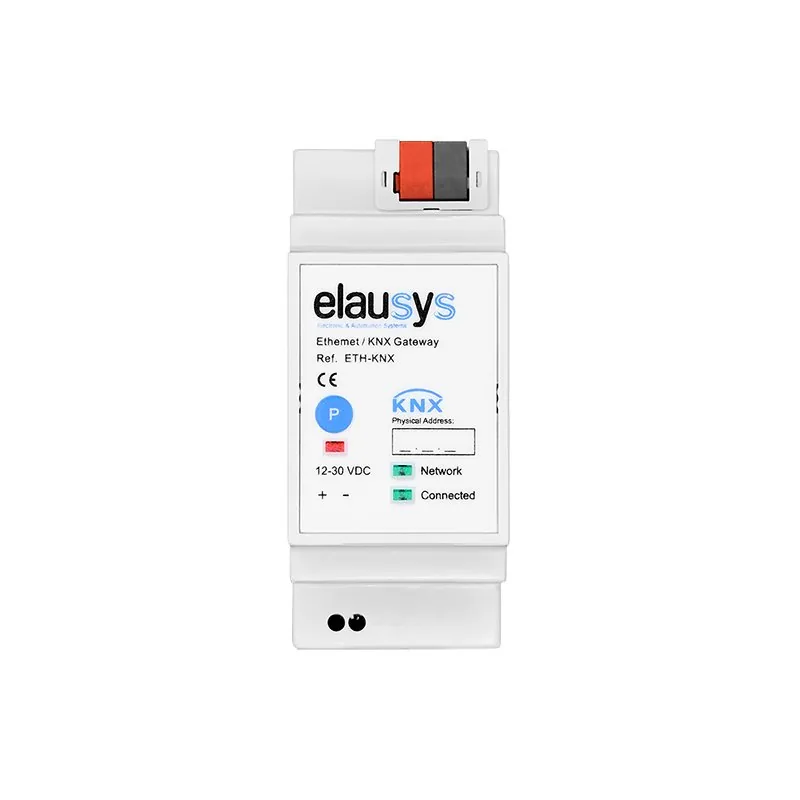
Kostal
Plenticore / Piko IQ
Enable Modbus (SunSpec) in the inverter settings and select the Kostal model in ETS.
Production, supported battery data and Kostal Smart Energy Meter readings.
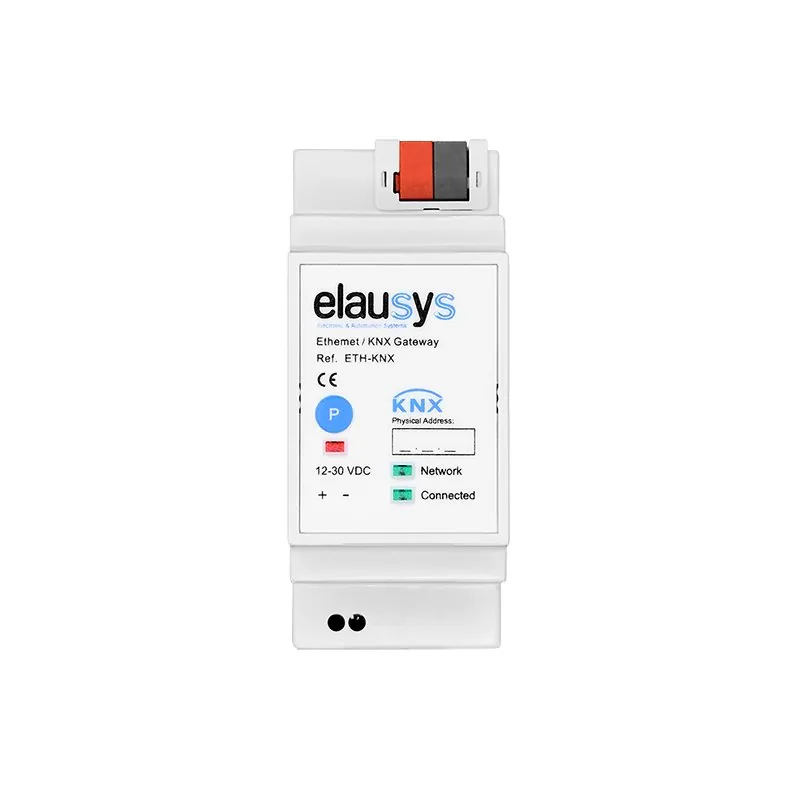
GoodWe
ES / EM / SBP / ET / BT / EH / BH / EHB
A supported GoodWe inverter must be accessible through Modbus TCP over the local network.
Production, supported battery data and grid measurements from the connected GoodWe smart meter.
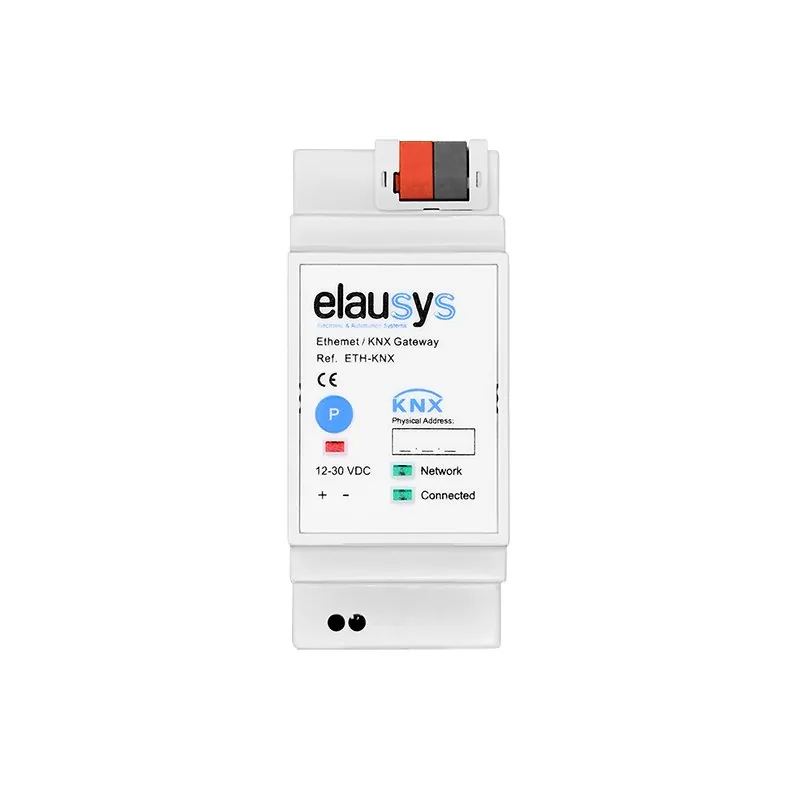
Sungrow
SG string inverters
SG…RT and SG…KTL series via the inverter LAN port or WiNet-S, with Modbus TCP enabled.
Production data. Grid import/export and battery objects are not available on this model.
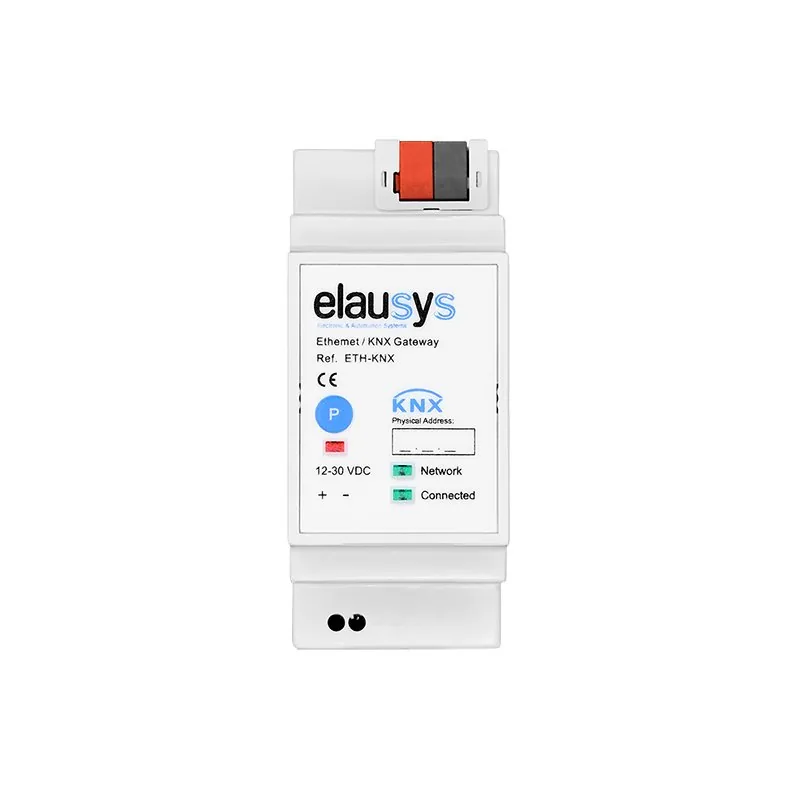
Sungrow
SH hybrid inverters
SH…RS, SH…RT and SH…T series via the local Modbus TCP connection. Check the exact model in the product guide.
Production, battery and connected grid-meter data. Choose this gateway for supported SH hybrid systems.
SolarEdge
SetApp / supported LCD models
Enable Modbus TCP. Supports SetApp inverters and LCD models with firmware 3.xxxx or later and the SunSpec interface.
Production, battery power/SOC and measurements from the connected SolarEdge meter.
Sigenergy
SigenStor EC / Hybrid SP & TP / PV Max
Enable Modbus TCP in the Sigenergy settings and configure the matching Modbus slave ID.
Production, supported battery data and plant grid-sensor readings.
Check the exact inverter, firmware and available objects in the model documentation before specifying.
The logic lives where the loads are
Use the measurements in your KNX installation to decide when flexible loads can run.
Request water heating through its supported KNX interface when export power stays above your chosen threshold.
Send an enable or mode request to a compatible charger through KNX. The charger manages the charging current.
Show available yield, grid balance and battery state in your KNX visualisation. Use HyperVisu and Grafana to explore recorded trends.
From a reading to a decision
Solar production alone does not tell you what is available to another load. Use a supported grid-meter reading, or a separate KNX meter, to identify import and export.
The gateway includes up to 64 logic functions for conditions, delays, sequences, schedules and calculations.
Check the selected model’s meter availability and sign convention.
Choose separate start and stop conditions to avoid repeated switching.
The actuator or equipment interface enables the load.
Refresh interval: 1–255 minutes. Design for periodic measurements and load switching; fast EV current regulation stays with the charger.
Before the first value reaches KNX
Check the exact model, firmware, communication module and available measurements. Enable its Modbus TCP interface.
Connect Ethernet and the 12–30 VDC supply. Set the inverter address, port and Unit ID in the gateway’s web interface.
Select the model and refresh interval, assign group addresses, then compare readings with the inverter before enabling your logic.
Use an INV-KNX gateway for a supported inverter. It reads the local Modbus TCP interface and publishes measurements as KNX group objects. Enable Modbus on the inverter, prepare the network connection and assign group addresses in ETS. The dedicated gateway operates without a HyperVisu server.
The range covers supported models from Fronius, SMA, Huawei, SolarEdge, Sungrow, Kostal, GoodWe and Sigenergy. Compatibility depends on the exact inverter, firmware and communication module. Check the selector and model documentation; Sungrow SG and SH systems use different gateway variants. Other inverter brands compatible with Modbus TCP can also be integrated. Contact us to discuss your inverter. Contact
Yes, when a supported grid-meter reading or a separate KNX meter provides the export value. The gateway's logic can apply thresholds and delays to enable compatible KNX loads. Measurements are periodic; EV charging-current regulation remains with the charger. Solar production alone does not establish the available surplus. KNX energy dashboards.
It reads inverter measurements and exposes them as KNX objects. It does not write inverter settings or battery charge/discharge commands. Its logic can send commands to equipment connected to KNX, through the appropriate actuator or supported equipment interface.
INV-KNX supplies the register mapping for supported inverters, reducing the work of defining each register and value type. Inverter-side setup is still required. For other supported Modbus TCP equipment, HyperVisu's KNX Bridge maps selected measurements and controls to group addresses. Explore the KNX Bridge.
No. Values depend on the gateway, inverter, battery and meter. INV-KNX-SU provides Sungrow SG production data without battery or grid objects; INV-KNX-SUH supports the available SH hybrid measurements. Check the selected model's object list before designing energy logic.
Send us the model and the measurements your KNX project needs.