Skip to content
Elausys

Your alarm knows. Let the building respond.

KNX alarm gateways.
For Ajax, Jablotron, Paradox and more.

Connect alarm states, zones and commands to KNX. Bring your security system into lighting, heating and everyday scenes, with a dedicated gateway for your panel family.

Six alarm familiesStandard KNX objectsETS configuration
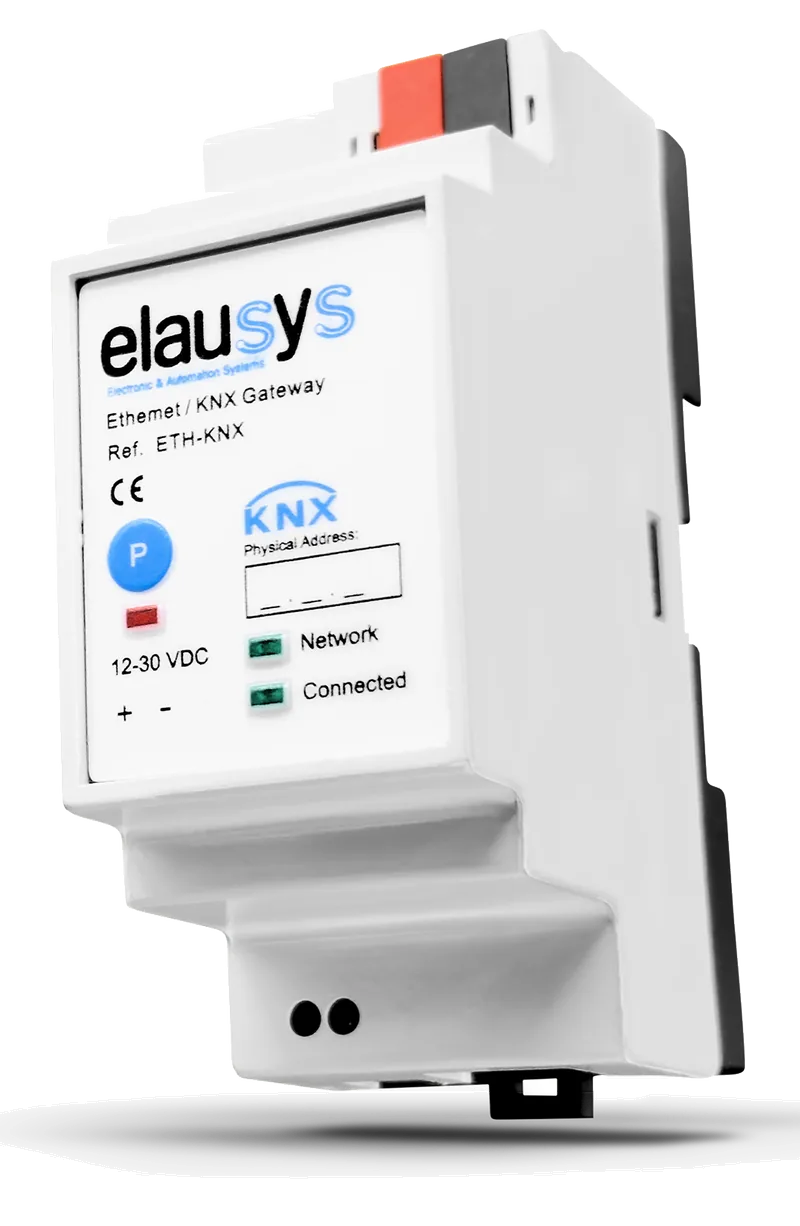
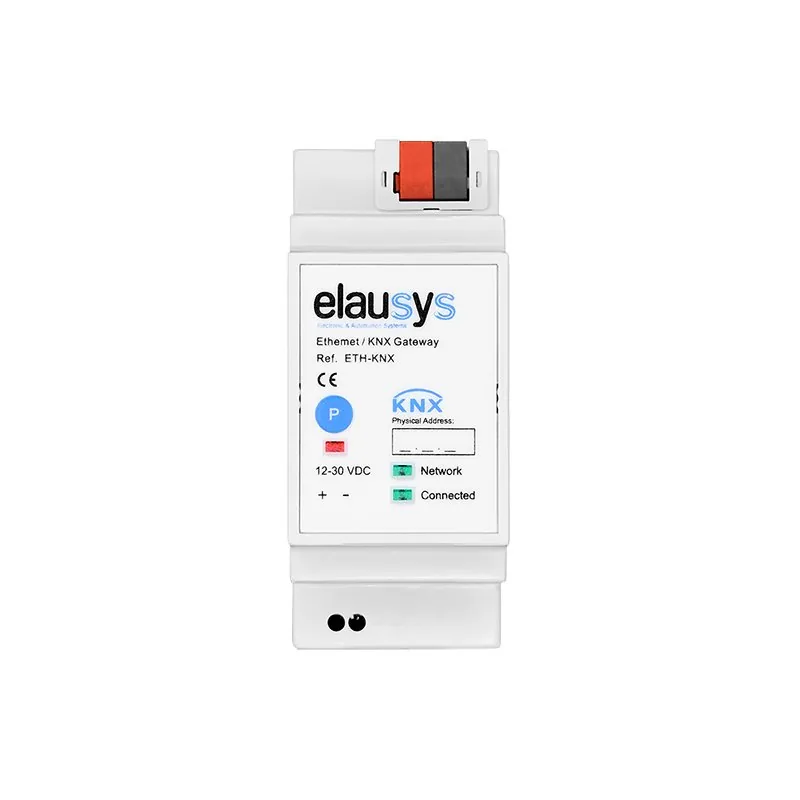
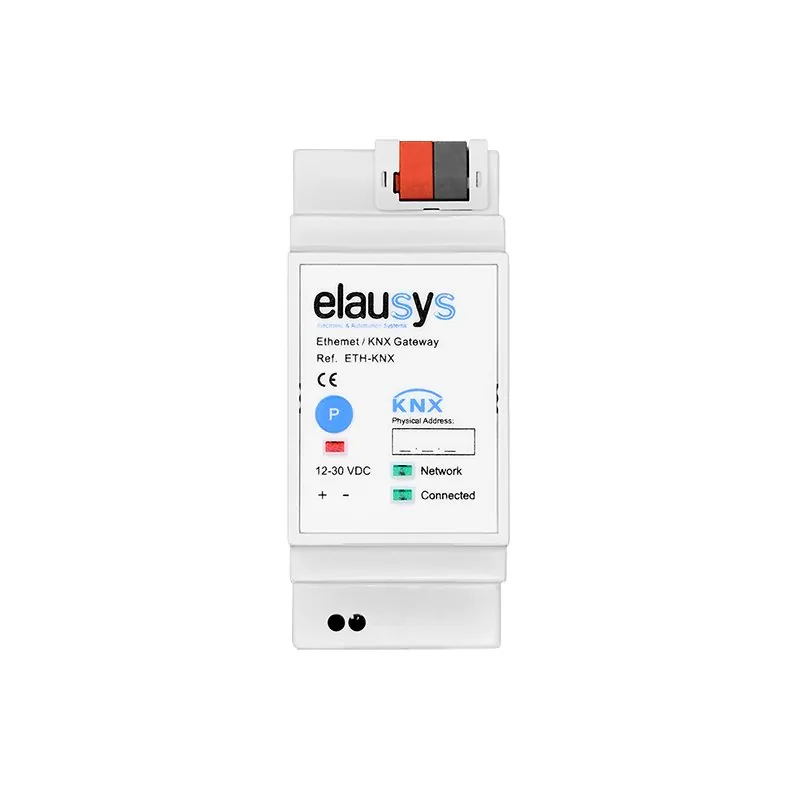
A wall-mounted security keypad beside a contemporary home entranceElausys Ethernet to KNX gateway

Start with the alarm on site

One range.
The interface for your panel.

Choose the alarm family to see the connection and functions available.

Elausys AJAX-KNX gateway
AJAX-KNX

Ajax to KNX

AJAX-KNX

Superior, Fibra & Baseline hubs

Alarm connection
Ethernet · RJ45
Capacity per gateway
Up to 96 zones · 4 groups
Control from KNX
Arm, night mode & disarm

Statuses arrive over the local network. Commands use the optional Ajax cloud connection. Zone events are reported while armed.

View AJAX-KNX

What the connection makes possible

Security events.
Everyday building responses.

Use the states your alarm exposes to drive the scenes and logic in your KNX project.

01Armed away

The leaving scene.

Use the panel’s armed state to switch lights off, set back the heating and start a presence-simulation routine.

Alarm state → KNX scene
02Intrusion event

A visible response.

Bring the event onto KNX to switch on selected lights and show the affected area in the visualisation.

Alarm event → Lights & status
03Detector activity

Put an existing sensor to work.

For example, a Jablotron hallway PIR can trigger KNX courtesy lighting. Check the panel’s reporting behaviour; Ajax zone events are available only while armed.

Zone object → Lighting logic
04Area status

One place to check.

Show supported alarm states alongside lighting, blinds and climate in a KNX visualisation such as HyperVisu.

Area status → Your visualisation

The detail behind the event

Bring the zone.
The area. The state.

A relay can report an event. A gateway exposes supported zone and area information as separate KNX group objects, so your logic can respond to what happened and where.

JABLOTRON EXAMPLEJA-KNX → KNX objects
Zone
Individual detector state
Section
Armed, partial armed, disarmed & other states
PG output
Command + status feedback

Available objects differ by gateway. Use the model’s documentation for the exact list.

A familiar KNX workflow

Prepare the connection.
Configure it in ETS.

Open gateway documentation
  1. 01

    Confirm the alarm side.

    Identify the panel and its interface. Check any required serial module, power supply and panel settings with the alarm installer.

  2. 02

    Choose the objects.

    Use the model’s ETS application to enable the required zones, area states and supported commands, then assign group addresses.

  3. 03

    Check the finished behaviour.

    Test state feedback, scenes and any enabled controls together with the alarm installer before handing over the project.

Before you specify

The practical questions.

See a Jablotron integration
Can a KNX system be an alarm system?

KNX can use detector states and trigger building responses, but automation alone does not establish intrusion-alarm certification. Choose an alarm system suited to the project's security requirements with the alarm installer. An Elausys gateway exposes supported panel information to KNX; it does not certify the combined installation.

How do I integrate an alarm system into KNX?

Connect a dedicated gateway between the supported panel interface and KNX, then configure its group objects in ETS. AJAX-KNX and NXG-KNX use Ethernet; other models require the appropriate serial connection. Check the panel settings, any additional interface module and supported objects before commissioning.

What can KNX do with alarm states and detectors?

Use supported states to set back heating when armed, switch lights on during an alarm or display the affected zone. Detector events can also drive lighting where the panel reports them. Ajax reports zone events only while armed, so check this behaviour before using alarm PIRs for everyday lighting.

Can KNX arm and disarm the alarm?

JA-KNX, EVO-KNX, NX-KNX and NXG-KNX support control subject to panel settings and access requirements. AJAX-KNX commands require the optional Ajax cloud connection; status arrives locally. ANB-KNX is monitoring only. Test permitted commands and feedback with the alarm installer.

Which alarm brands have an Elausys KNX gateway?

Dedicated models cover Ajax, Jablotron 100/100+, Paradox EVO, Interlogix UltraSync, GE NetworX/Caddx and AnB Rimex TRICOM. They do not all expose the same functions. Use the brand selector to compare the connection, capacity and supported controls for the panel on site.

Do KNX alarm gateways require a HyperVisu server?

No. These gateways communicate directly with KNX using standard group objects. KNX actuators, logic and compatible visualisations can use that information. HyperVisu is an option for bringing supported alarm states and controls together with the building's other systems. Explore HyperVisu.


Have a panel in mind?

Tell us the alarm model and the functions your KNX project needs.

Discuss your installation