Walk up. Take control.
The proximity sensor wakes the screen as you approach. Screen Economy puts it to sleep when it is not in use.

A place for every control.
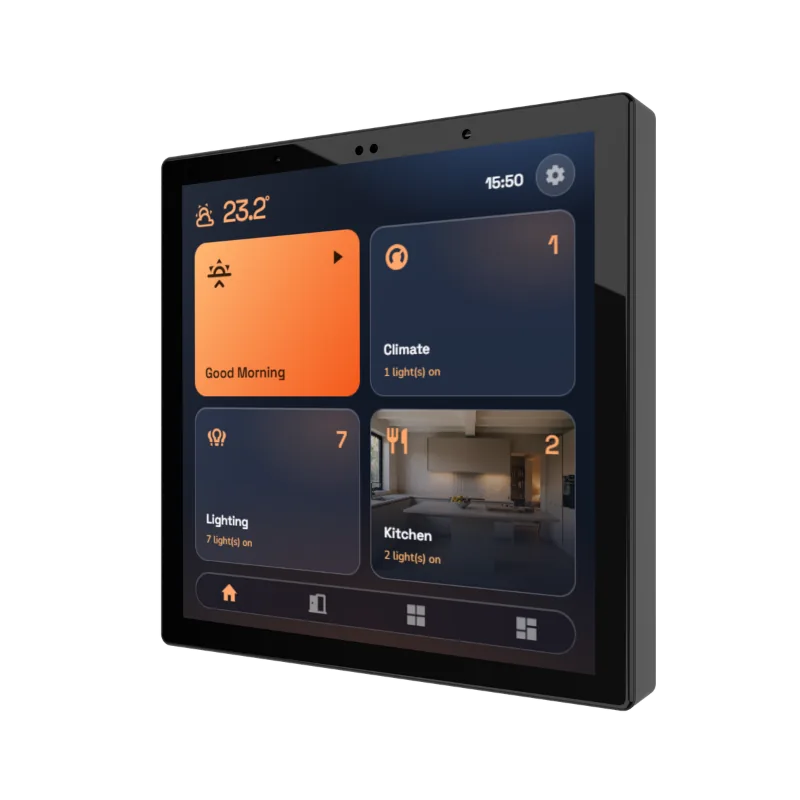
Choose a 4-inch room panel or a 10-inch building overview. Both use the HyperVisu project on your local server, with Ethernet networking and a screen-adapted interface.
Designed to work with a HyperVisu server.
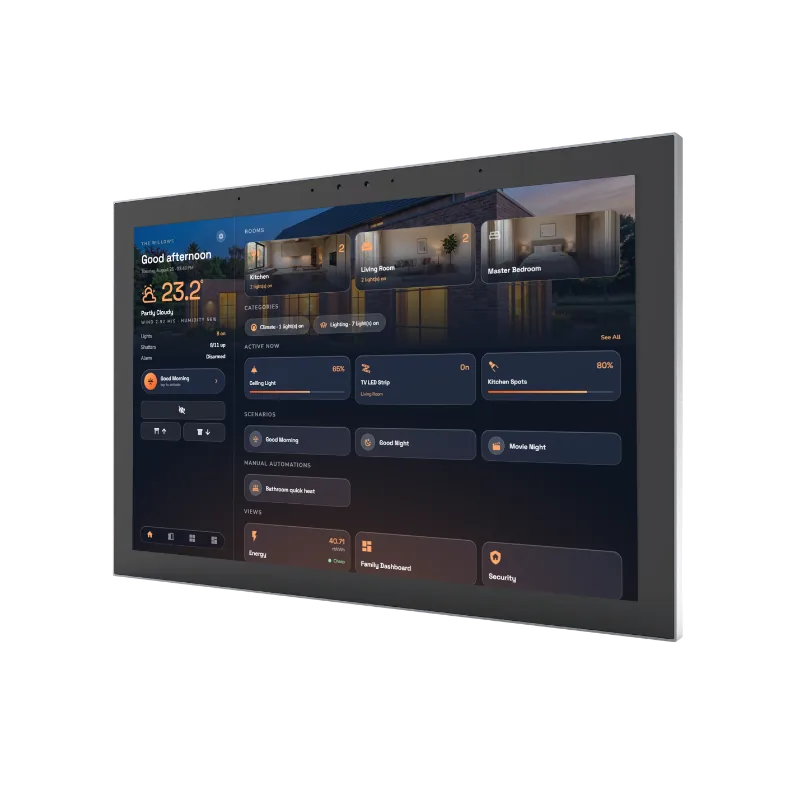
The whole building, at a glance
From the entrance hall to reception, bring lighting, climate, energy and security together on a generous display. The same rooms, favourites and dashboards as your phone, always in place.
The room essentials
Set the lights, adjust the temperature or start a scene on your way into a room. The compact panel fits standard EU, UK and UAE wall boxes, keeping familiar controls close.
Designed for daily life
The proximity sensor wakes the screen as you approach. Screen Economy puts it to sleep when it is not in use.
Power over Ethernet brings power and network through a single connection. Both panels communicate with your local server.
The native HyperVisu app comes preinstalled, with a layout adapted to each screen. Your project stays on the server.
Find your fit
Choose a central overview, control within a room, or combine both in the same installation.
| HV-TOUCH-10HyperVisu 10″ | HV-TOUCH-4HyperVisu 4″ | |
|---|---|---|
| Best suited to | Hallways, reception & shared spaces | Bedrooms, offices & room entrances |
| Display | 10-inch · 1280 × 800 | 4-inch · 480 × 480 |
| Installation | Wall mount included | Standard EU / UK / UAE wall box |
| Network & power | PoE (RJ45) | PoE (RJ45) |
| Wake & sleep | Proximity wake · Screen Economy | Proximity wake · Screen Economy |
| Audio | 4 microphones · 2 × 1 W speakers | 4 microphones · 1 × 1 W speaker |
| Server required | HyperVisu HVS-KNX | HyperVisu HVS-KNX |
| View 10-inch product | View 4-inch product |
Part of the HyperVisu system
Both panels require a HyperVisu server. It holds your project, connects to KNX and brings the building’s systems together. The touchscreens put those controls on the wall.
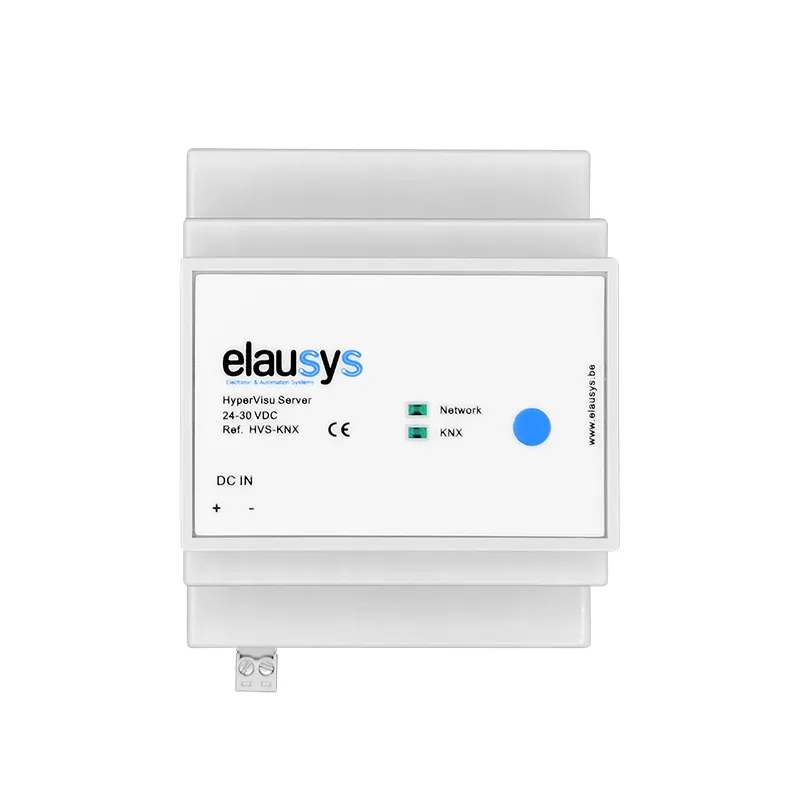 HVS-KNX · HyperVisu server
No. Both models are clients of the HyperVisu server, which holds the project and communicates with the building's systems. Plan the server and local network as part of the installation, alongside the screens you want to use. Explore HyperVisu.
No. It connects to the local Ethernet network. The HyperVisu server communicates with the KNX installation through a KNX/IP interface or router. The panel displays the controls configured in the server project rather than acting as a standalone KNX bus device.
Yes. Connect both sizes to the same HyperVisu server. A larger panel can provide an overview in a shared space, while compact panels provide room controls. Choose the views and access appropriate to each location in the project.
No separate project is needed. Both screen sizes use the project configured on your HyperVisu server, with an interface adapted to the screen. Configure the controls and views for the installation, then check their presentation on each panel.
The current 4-inch and 10-inch models use PoE through RJ45 for power and the Ethernet network connection. Check the model's installation documentation and the available PoE supply before specifying the network equipment and cabling.
Mounting depends on the model: the 10-inch panel includes a wall mount, while the 4-inch panel fits the specified EU, UK and UAE wall boxes. Check dimensions, mounting instructions and cable access for the exact model before preparing the wall.
Choose your panels or talk to us about your installation.