
Functions are the automatic behaviors your installer built with the Logic engine in the admin panel — thermostat controls, automatic shading, staircase timers, calculated values (see “Logic Engine — Concepts & Canvas”). In the app you watch them work and adjust the settings your installer chose to expose. Open Configuration → Functions.
The Functions list
Functions are grouped by your building's categories. A To watch group appears first when any function is in error or suspended, so problems are never buried. Filter by room with the All rooms chip.
If no function has been published yet, the page explains: "Functions — thermostats, timers, programs, calculated values — are created and published by your installer. They will appear here as soon as some are made available to you."
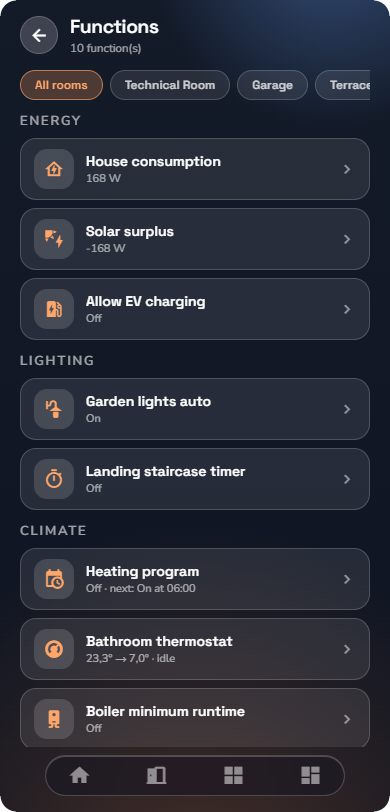
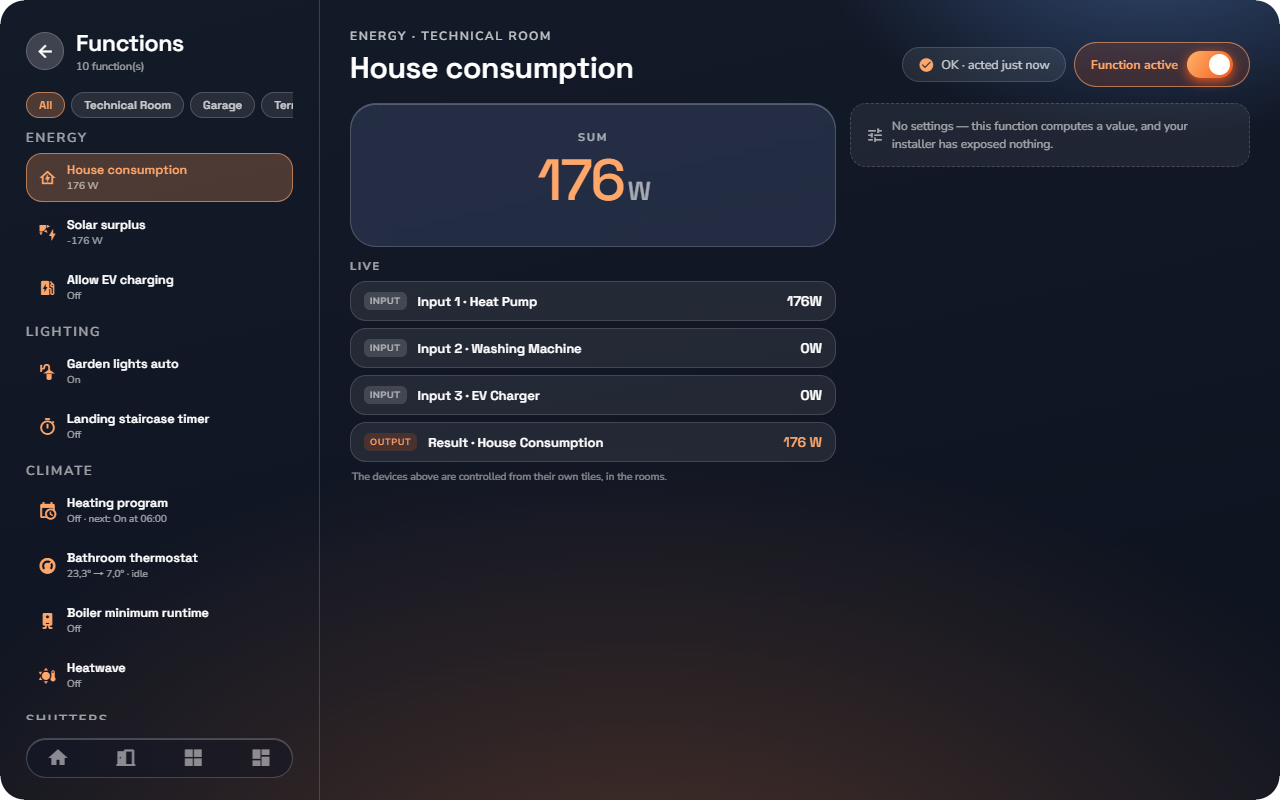
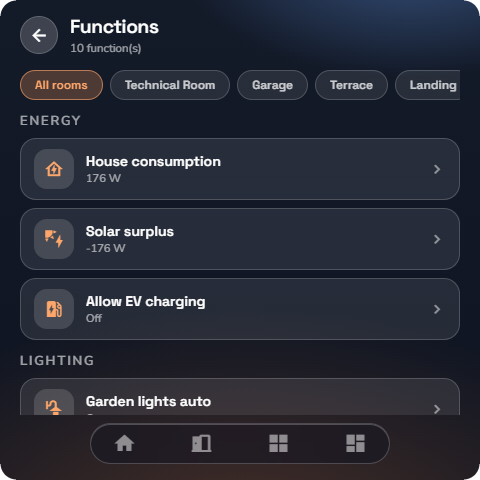
A function's page
Tap a function to open it. The page has three parts:
The health card — how the function is doing, in plain words:
| State | What you see |
|---|---|
| OK | "Working normally · acted 5 min ago" |
| Suspended by a manual command | Someone operated a device by hand, so the automation is standing back. The card names the device, the time, shows the Automatic resume countdown, and offers Resume now to hand control back immediately. |
| Paused automatically | "This function was changing its output far too often and has been paused briefly to protect the devices." |
| Disabled | "The automation no longer acts. The devices it drives stay controllable by hand — switches and tiles work as usual." |
| In error | The server's plain-language explanation of what went wrong, and what happens meanwhile — for example "Meanwhile the Position output is held at its last state (40 %). The device stays controllable by hand." |
Live — every value the function reads and writes, named after the real device, read-only. "The devices above are controlled from their own tiles, in the rooms."
Settings — the Function active toggle ("Disabling stops the automation; the devices stay controllable by hand.") plus whatever settings your installer exposed — a setpoint, a threshold, a delay. Changes apply immediately; there is no Save button.
What residents cannot do
You cannot create, delete or rewire a function from the app — that is deliberate. Functions are built and published in the admin panel by your installer (see “Logic Engine — Concepts & Canvas”). If a function should behave differently, adjust its exposed settings, or ask your installer.