
Connection Diagram
An external power supply (12–30 VDC) is required and connected on the bottom side of the module, beside the RJ45 connector for the Ethernet cable.
The gateway communicates with the AJAX Hub over the local network via Ethernet to receive events from the Hub. Arming and disarming commands from the gateway require internet access, when enabled. The connection is established through the AJAX secured cloud using a fully encrypted protocol, identical to the one used by the AJAX mobile application.
On the Modbus TCP side, the gateway acts as a Modbus TCP server (slave) listening on port 502. Any Modbus TCP client (master) on the same network can read alarm statuses and send control commands.
Front Panel
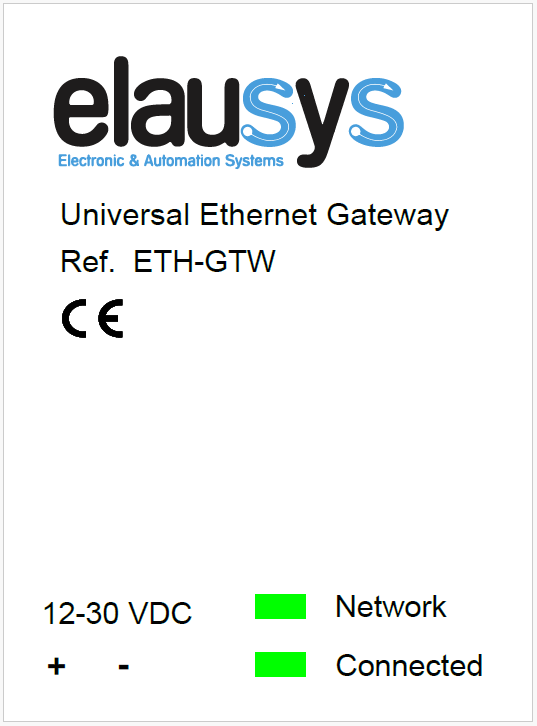
The front panel is equipped with two green status LEDs:
| LED | Meaning |
|---|---|
| Network | Physical connection to the Ethernet network is established |
| Connected | Communication with the AJAX alarm system is established |