Energy devices
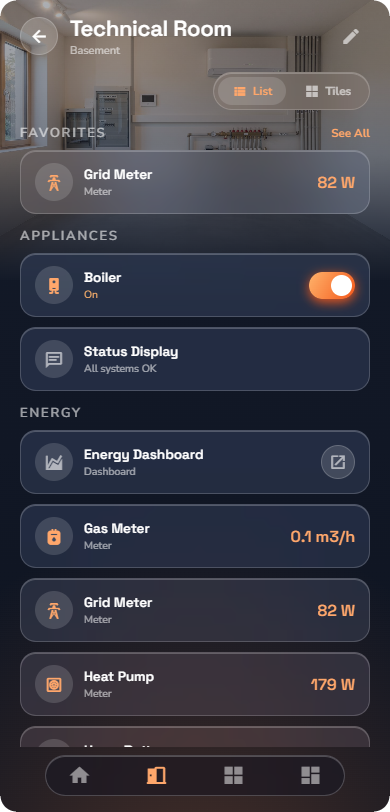
Meter
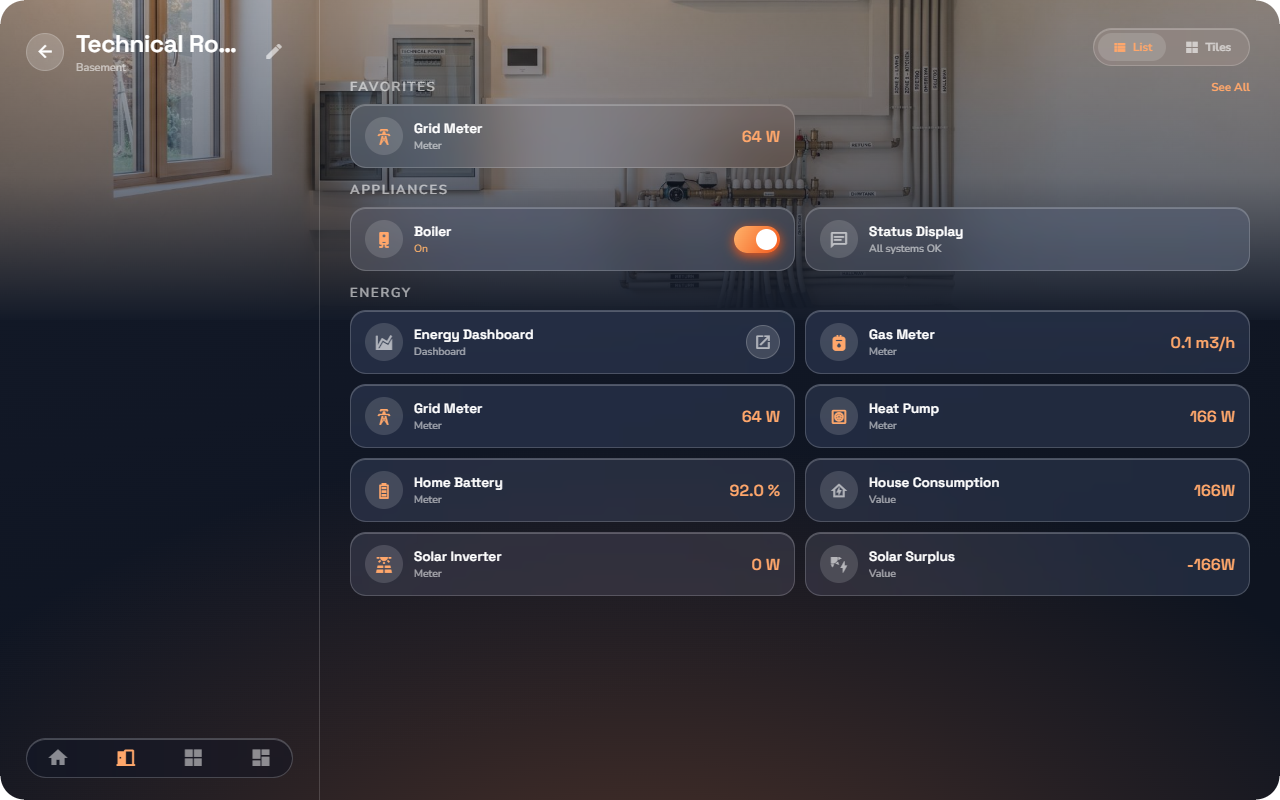
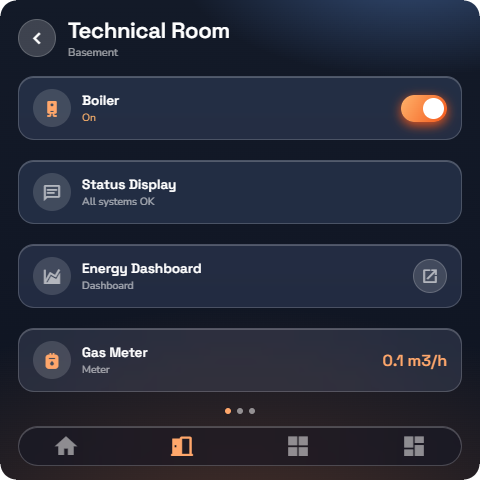
Shows a live measurement of energy, water, or gas — and its history.
Each meter has a role set by your installer: grid (what you draw from and feed to the network), solar (production), battery, EV charger, consumer (a single appliance or circuit), water, or gas. The role decides how the meter is labelled and where it appears in the Energy section (see “Energy Overview”).
At a glance: name, the live reading with its unit.
Detail page — tap the device body:
- Period tabs — Now / Day / Week / Month / Year — switch the time window. The app remembers the tab you last used, per meter.
- History charts show consumption (or production) over the selected period.
- An energy balance card sums up today, this month, and this year.
- Depending on the meter's role, values are labelled as import/export (grid meters) or production (solar meters).
- Battery meters additionally show the battery's state of charge.
📘 Note: History charts need the history service, which your installer enables. Without it the live reading still works.
EV charger
Controls your electric-vehicle charger.
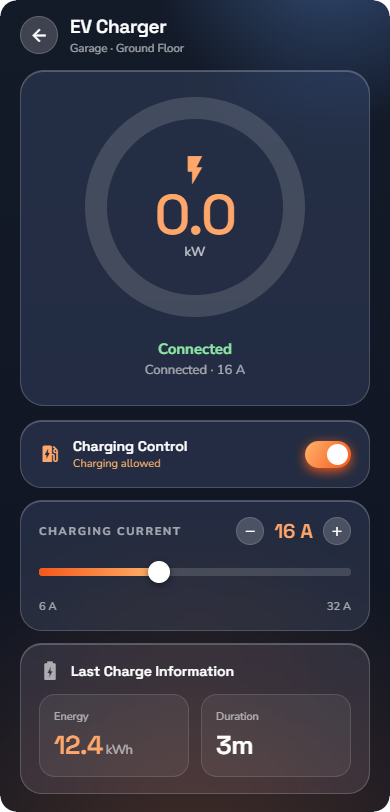
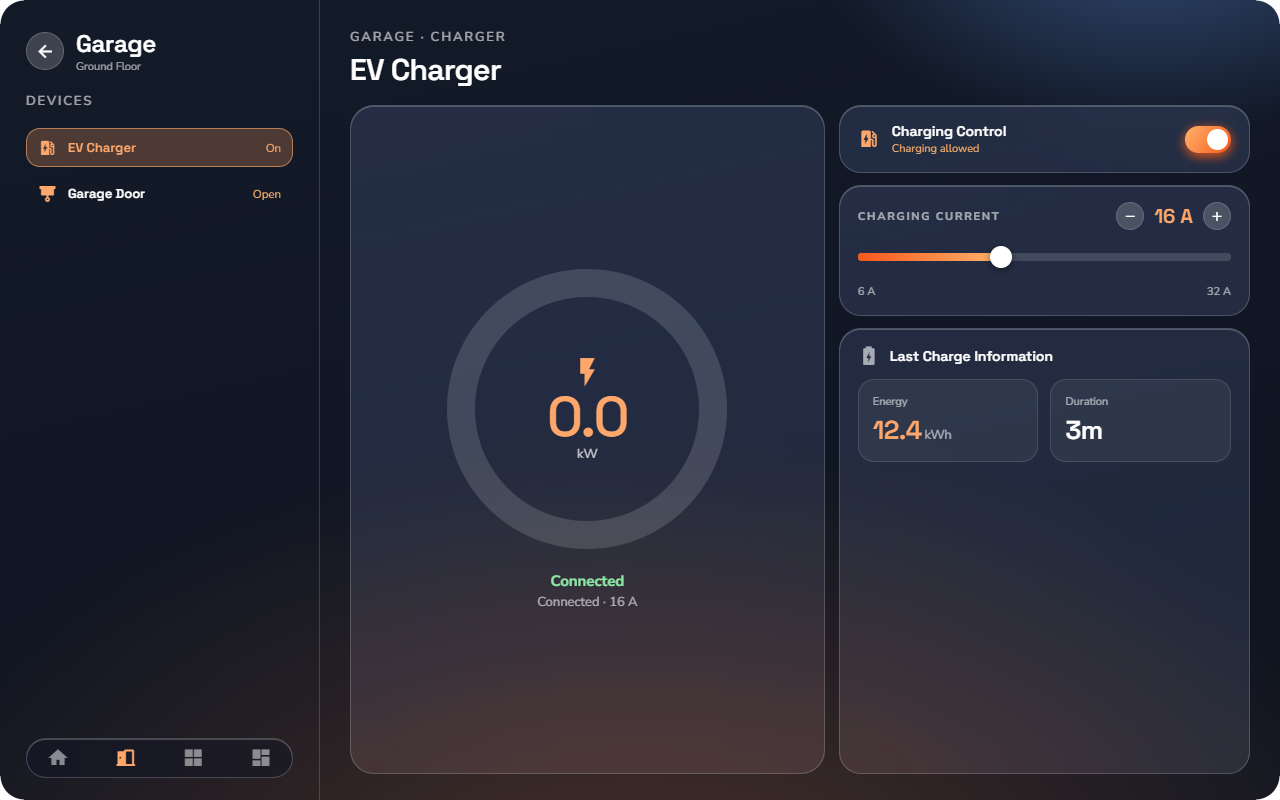
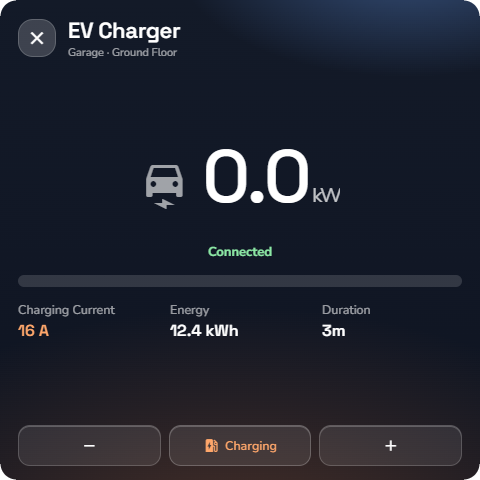
At a glance: name, a charge ring that fills while charging, and the state (connected, charging, or error).
Detail page:
- The charge ring shows the charging activity and current power.
- Start / Stop control the charging session.
- The charging current is set with a stepper and a slider, between 6 A and 32 A — lower it to charge gently (e.g. from solar), raise it to charge fast.
- The connection state shows whether a car is plugged in, and any error the charger reports.
- The last session card shows the energy delivered and the duration of the most recent charge.