Climate
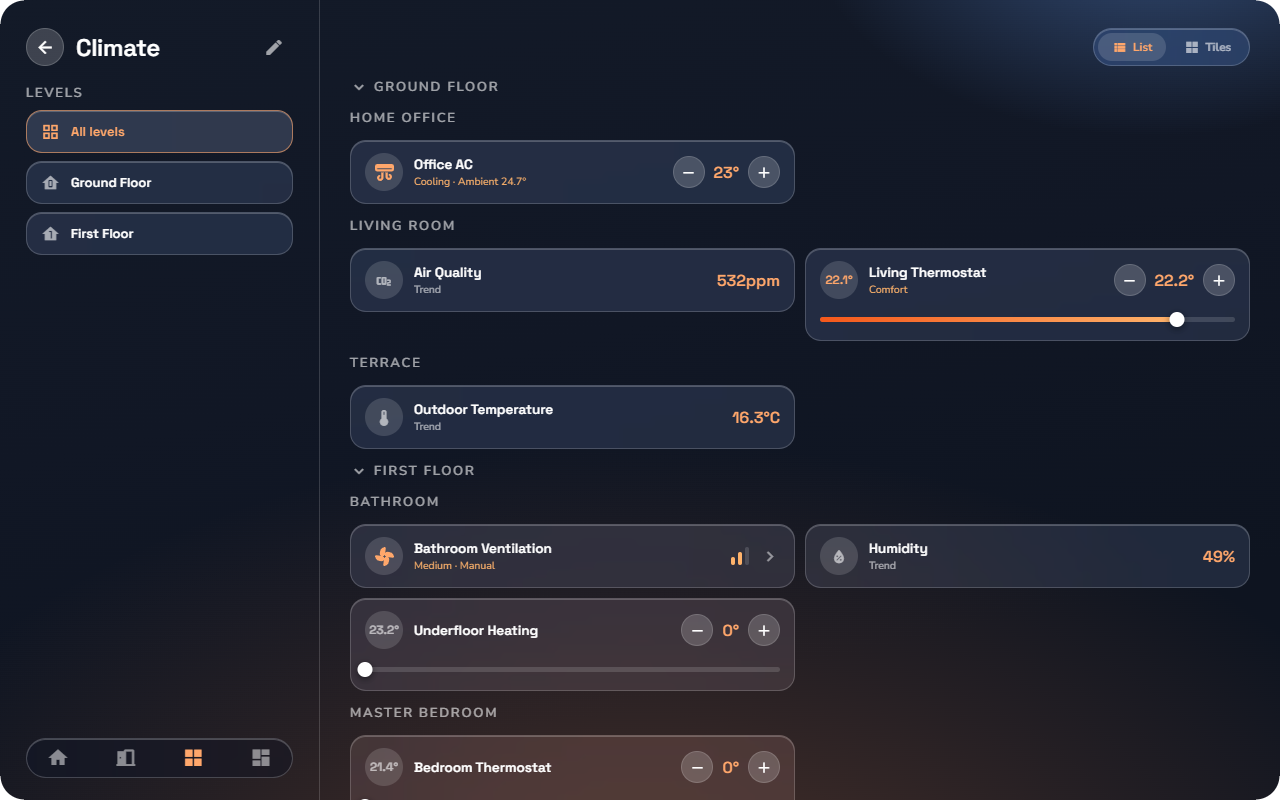
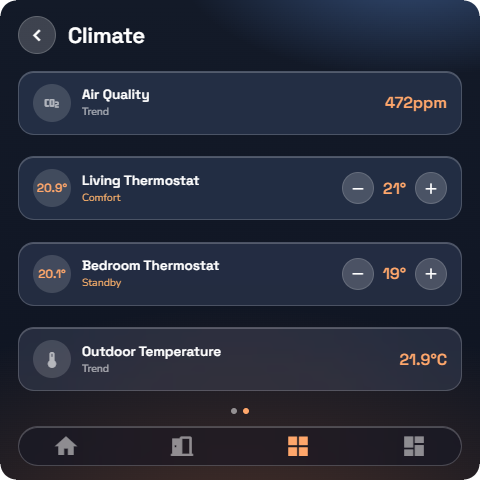
Thermostat
Controls the heating (or cooling) of a room around a set temperature.
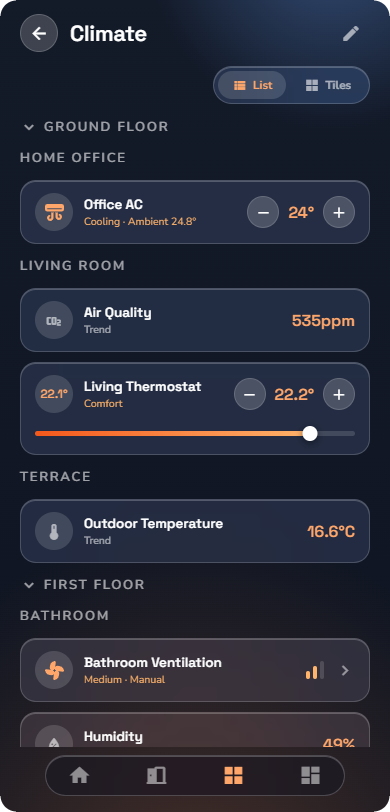
At a glance: name, the current room temperature, the setpoint, and the active mode.
Detail page — tap the device body:
- A temperature dial shows the room temperature within the sensor's range, with the setpoint marked.
- − and + adjust the setpoint. The step size matches the active mode.
- Mode buttons select Comfort, Standby, or Night — each mode has its own target temperature, set by your installer.
- Boost heats at full power for a fixed time, then returns to normal:
- Pick a duration: 30 min, 1 h, 2 h, or 3 h.
- While a boost runs, the remaining time is shown and the mode and setpoint controls step aside — the boost owns the device.
- Tap Cancel at any time to end the boost early.
- When the boost ends (or you cancel it), the thermostat returns exactly to its previous mode and setpoint.
- A link to the weekly program lets the thermostat follow a schedule (see “Weekly Schedules”). Manual control, boost, and the program are three ways to drive the same device — boost always wins while it runs.
Air conditioning
Controls a heating/cooling unit.
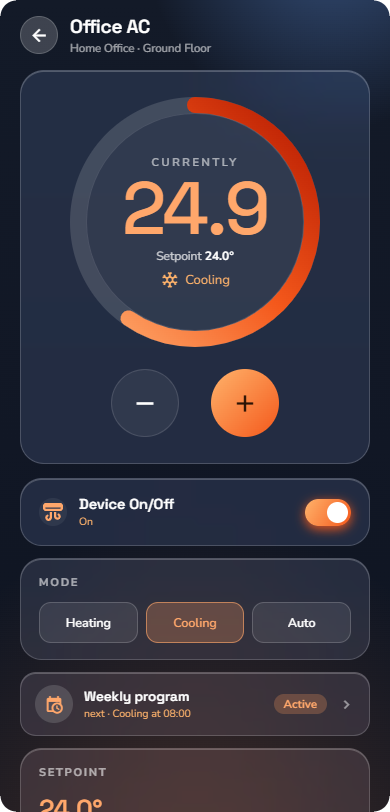
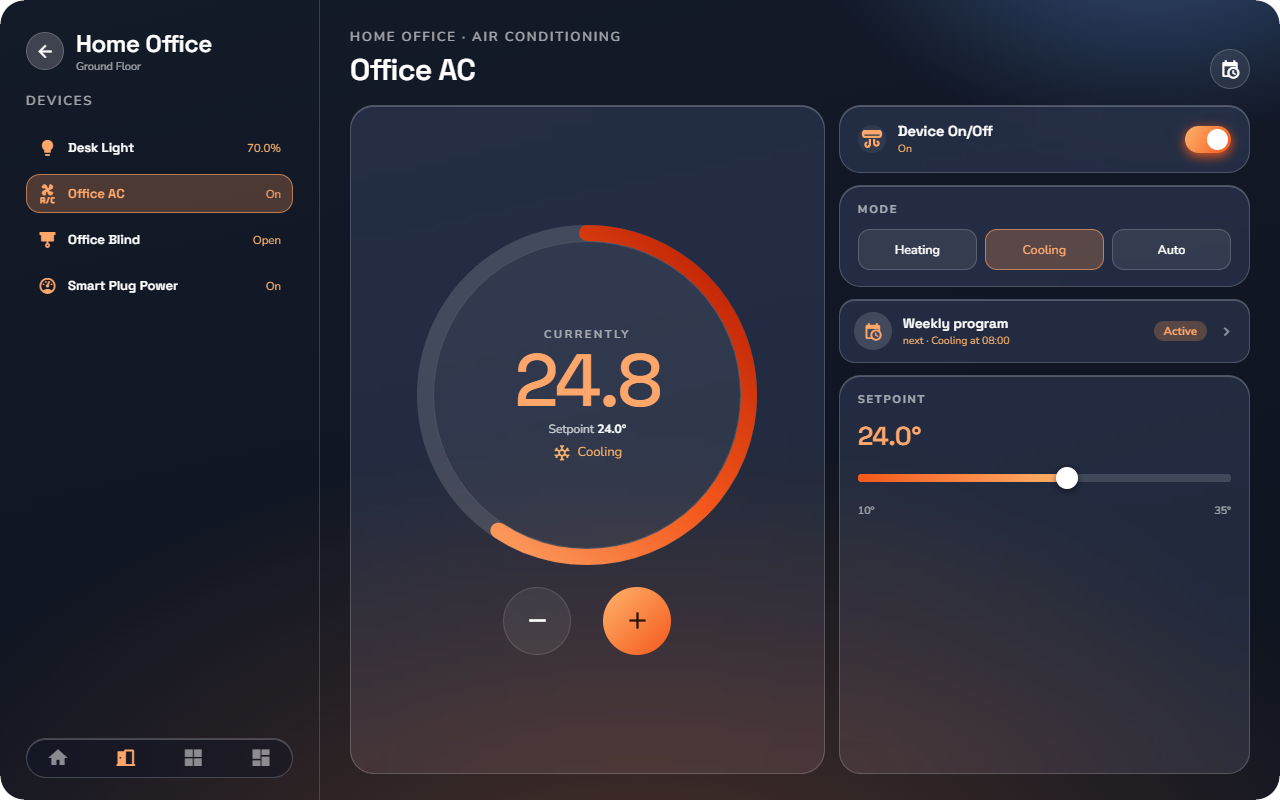
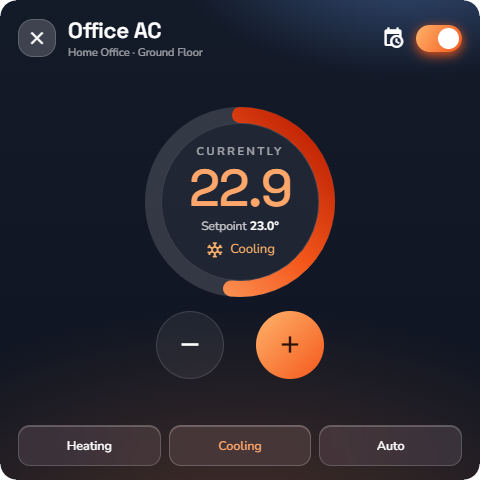
At a glance: name, the room temperature, the setpoint, and whether the unit is running.
Detail page:
- ON / OFF for the unit.
- Mode buttons: Heat, Cool, or Auto (the unit decides).
- The setpoint slider and − / + buttons set the target temperature.
- The ambient reading shows the measured room temperature.
- A link to the weekly program (see “Weekly Schedules”) — schedules work the same way as on thermostats.
Ventilation
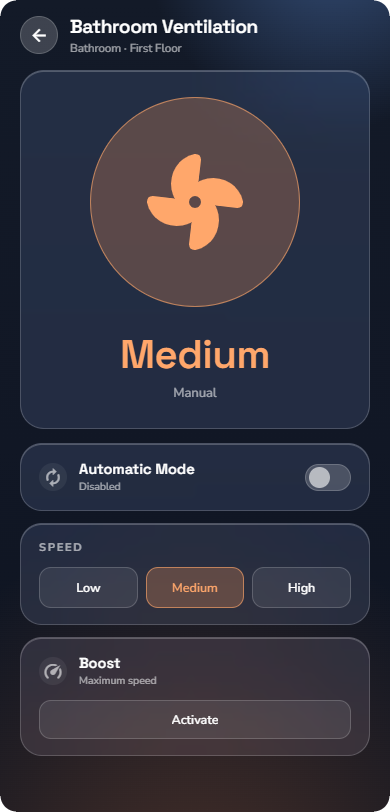
Controls a mechanical ventilation unit.
At a glance: name, the current speed as a 3-bar indicator (one bar = low, three bars = high).
Detail page:
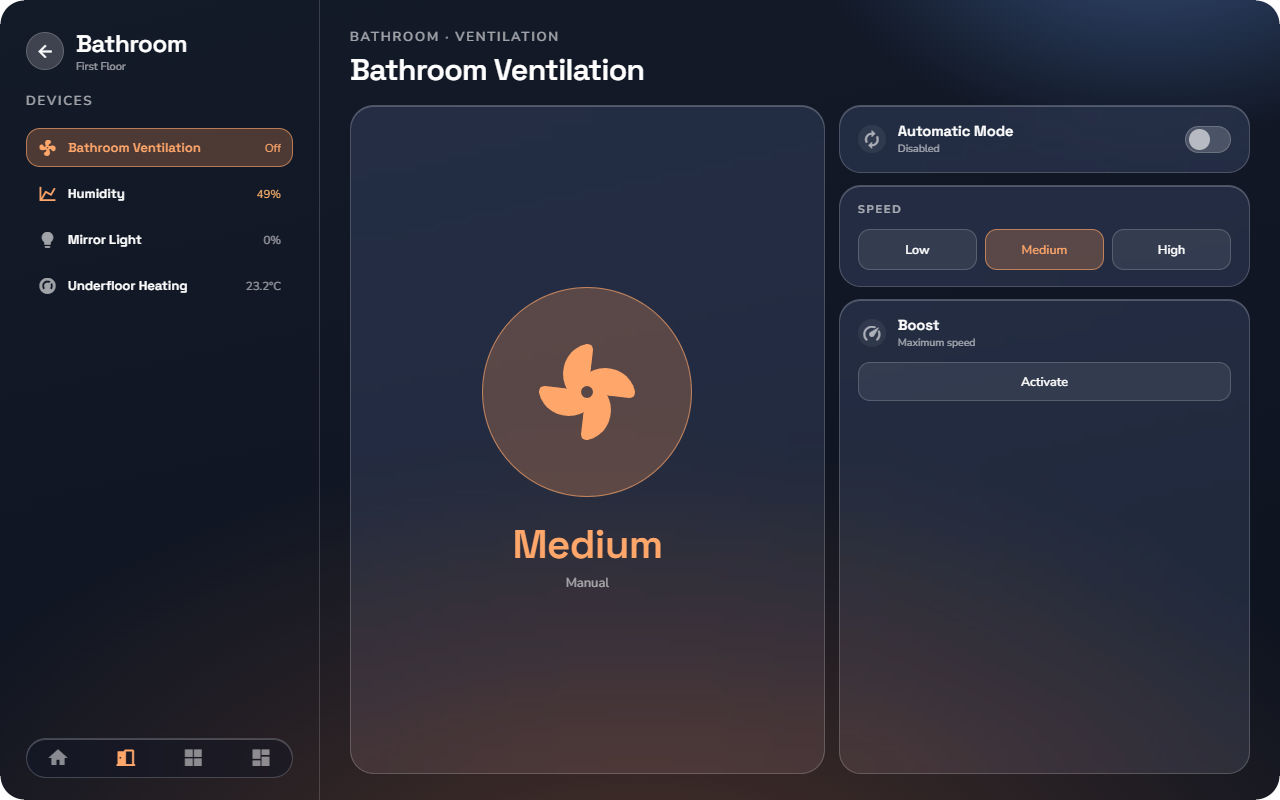
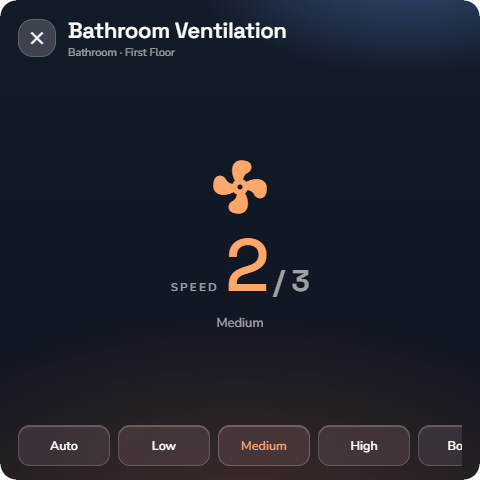
- Speed buttons: low, medium, high.
- On the automatic sub-type, an Automatic button hands control to the unit; while automatic mode runs, the manual speed buttons are hidden.
- Boost runs the ventilation at full power — useful after cooking or a shower. Tap again to end it.