Shading
Shutter / blind
Motorized shutters, blinds, and awnings.
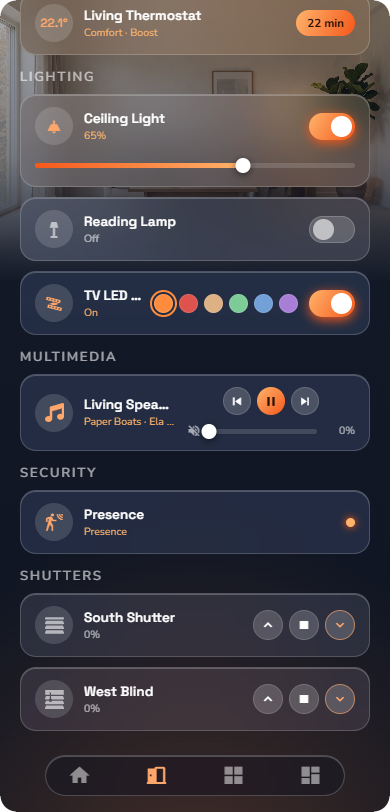
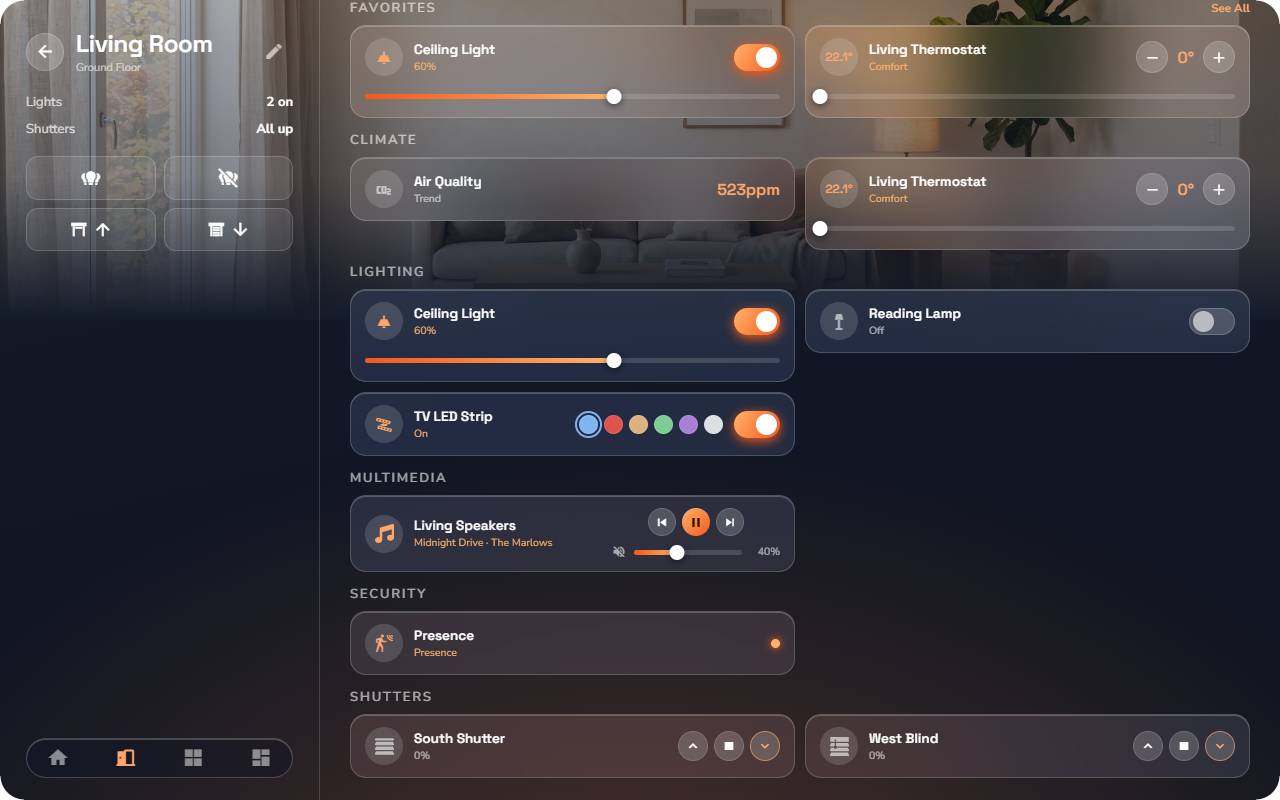
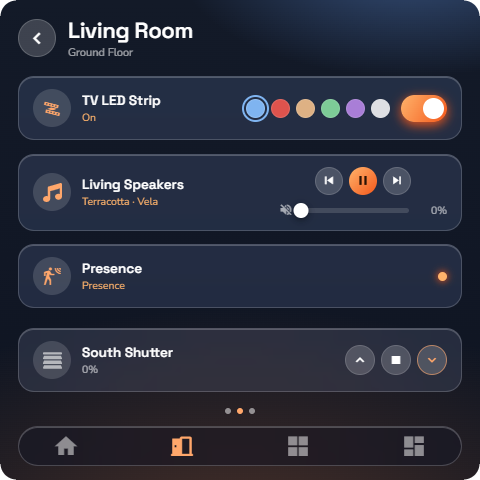
At a glance: name, icon, the current position, and three buttons.
Controls on the row/tile:
| Control | What it does |
|---|---|
| ▲ Up | Opens (raises) the shutter. |
| ■ Stop | Stops the movement where it is. |
| ▼ Down | Closes (lowers) the shutter. |
Detail page — tap the device body:
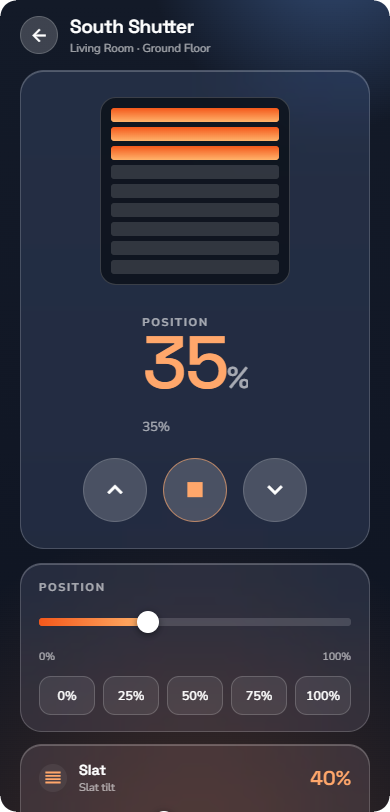
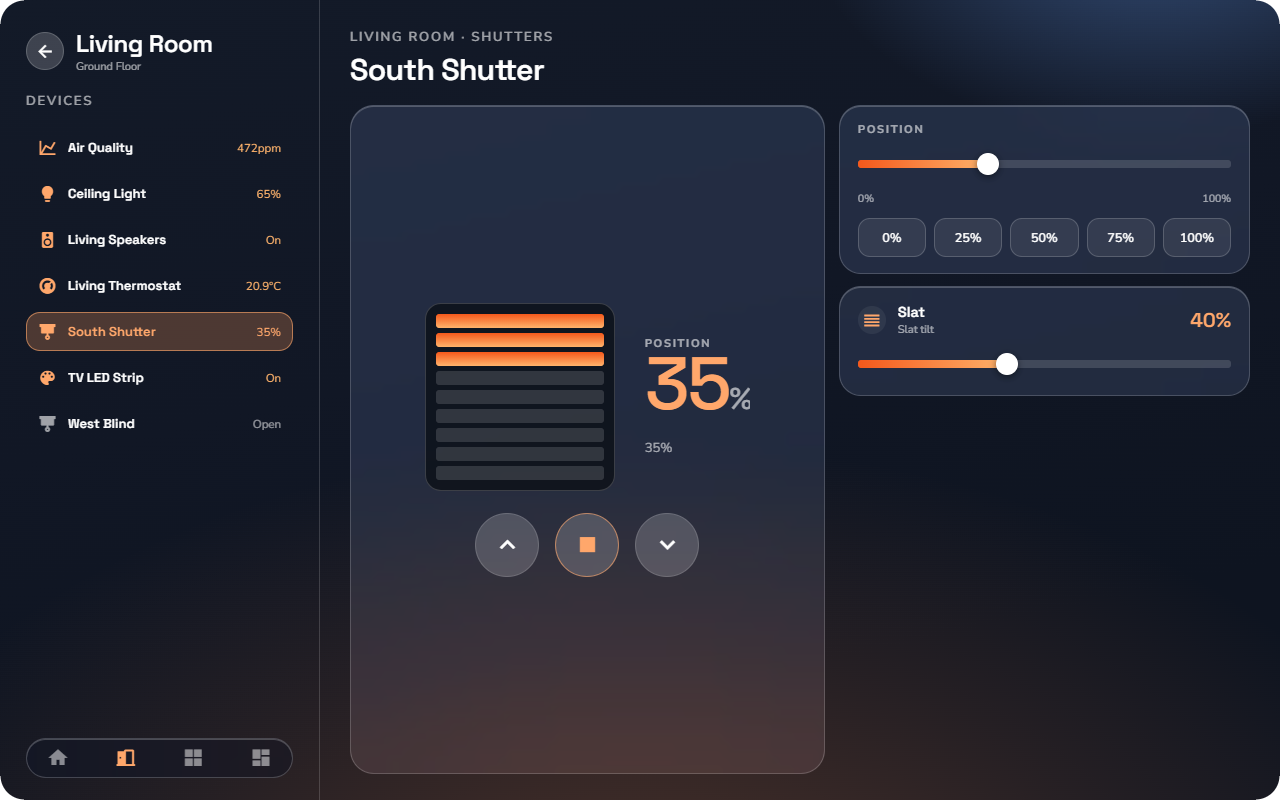
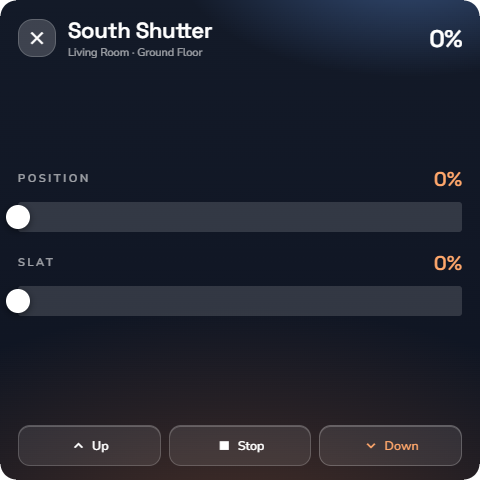
- A position readout shows how far the shutter is closed, with a picture that fills as it closes.
- Drag the position control to send the shutter to an exact position.
- Presets jump to common positions.
- On the venetian sub-type only, a slat tilt card lets you angle the slats — for letting light in while keeping the sun out. Shutters without slats do not show this card.
- Other shutters in the room are listed at the bottom, so you can adjust the whole room without going back.
📘 Note: Whether your shutter has the slat card depends on how your installer set it up — it appears only on shutters that physically have tiltable slats.