
The admin panel is the browser-based configuration tool for the HyperVisu server. Installers and administrators use it; residents never need it.
The two URLs
| Access | URL | When to use it |
|---|---|---|
| Local | http://<server-ip>/admin | On the same network as the server — commissioning, everyday administration |
| Cloud | your server's cloud address, followed by /admin | From anywhere — remote administration through the Elausys Cloud Service |
The cloud address is derived from the serial number printed on the server's label and shown on the System page. If you do not have it, your installer or Elausys support can give it to you.
The apps never need this address — on the connect screen you type the serial number itself and the app resolves the route for you (see “Connecting & Signing In”). Only a browser reaching the admin panel from outside the building needs the full address.
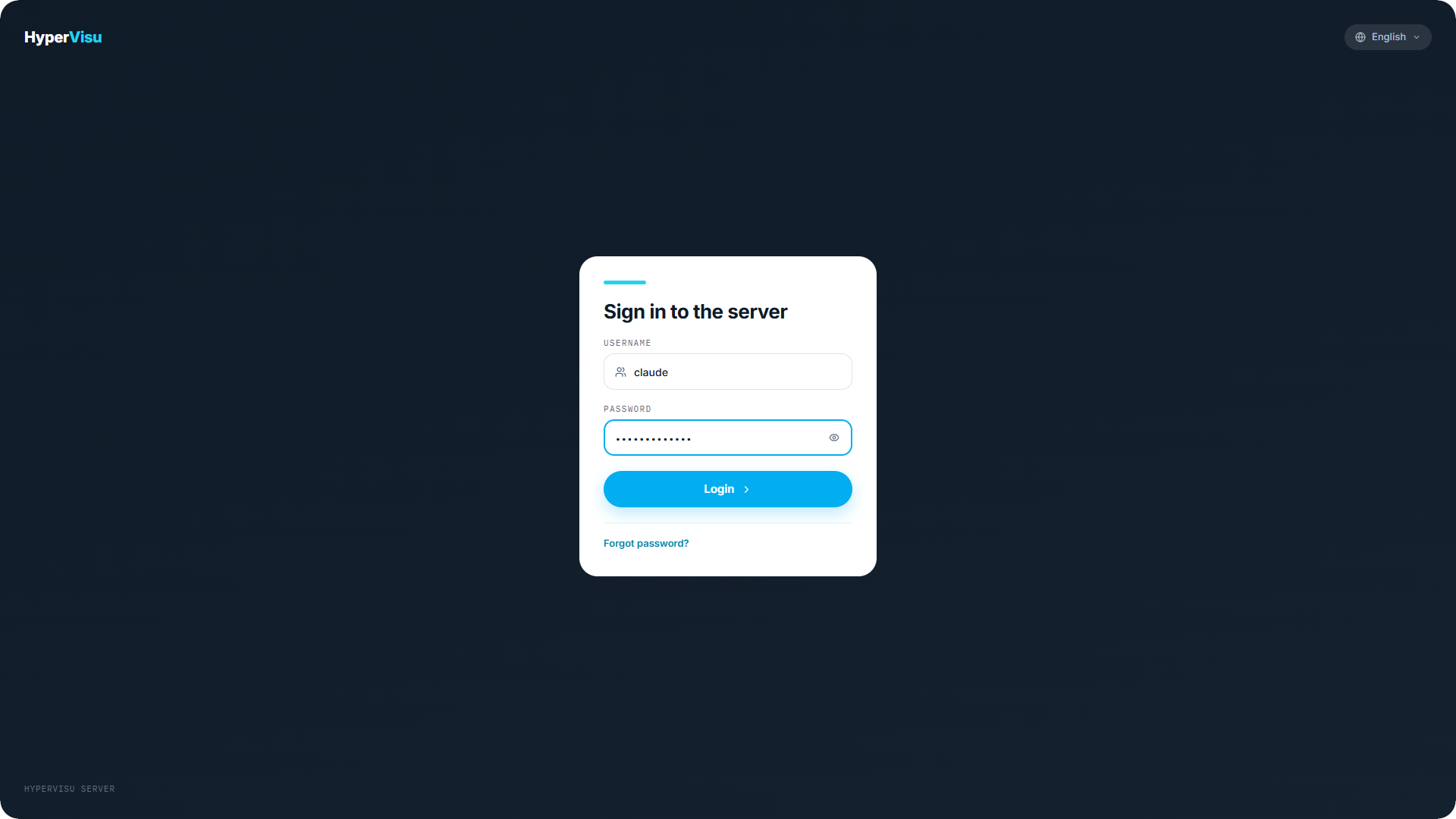
The sign-in screen
The sign-in screen shows a single card titled Sign in to the server with:
- Username and Password fields.
- A Forgot password? link (see “Creating the First Administrator”).
- A language selector in the top-right corner.
Your account is stored on the server itself, in the building — signing in locally involves no cloud service and no third party.
Administrators only
The admin panel requires access level 5. If you sign in with a valid account below level 5, the panel refuses with the message Administrator access required and explains: the admin panel configures the server itself and is limited to administrators — sign in with an administrator account, or use the HyperVisu app for everyday control.