Real devices rarely speak exactly the value the app wants: a meter sends tenths of a kilowatt, a status byte packs eight flags, a relay uses inverted logic. Transformations convert between the protocol value and the displayed value, per object. The Health page then keeps watch over every binding and transformation in the installation.
Transformations
Each communication object can carry an ordered transformation chain. Open the object's Transformations editor from its row, then click Add Transformation and pick a type:
| Type | What it does |
|---|---|
| Scale & Offset | Linear conversion: (value × scale) + offset. Unit conversions, meter scaling. |
| Invert Boolean | Swaps true and false — for protocols where 0 means ON. |
| Bit Extract | Extracts a range of bits from an integer (start bit, number of bits, optionally signed). |
| Bit Check | Tests one bit of an integer and returns a boolean (optionally inverted). |
| Value Map | Maps discrete values to other values (enum remapping), with an optional default and strict mode. |
| Clamp | Limits values to a range (or to the object's own min/max). |
| Threshold | Turns a number into a boolean (>, >=, <, <=, ==, != against a threshold, with optional hysteresis). |
| Round | Rounds to a precision (round, floor, ceiling, truncate). |
Each transformation has a direction:
- Incoming — protocol → widget (what the app displays).
- Outgoing — widget → protocol (what a command sends).
- Both — applied in both directions where the operation is reversible.
Chains run in order; drag to reorder. A live preview lets you type an input value and see the chain's output immediately, with examples.
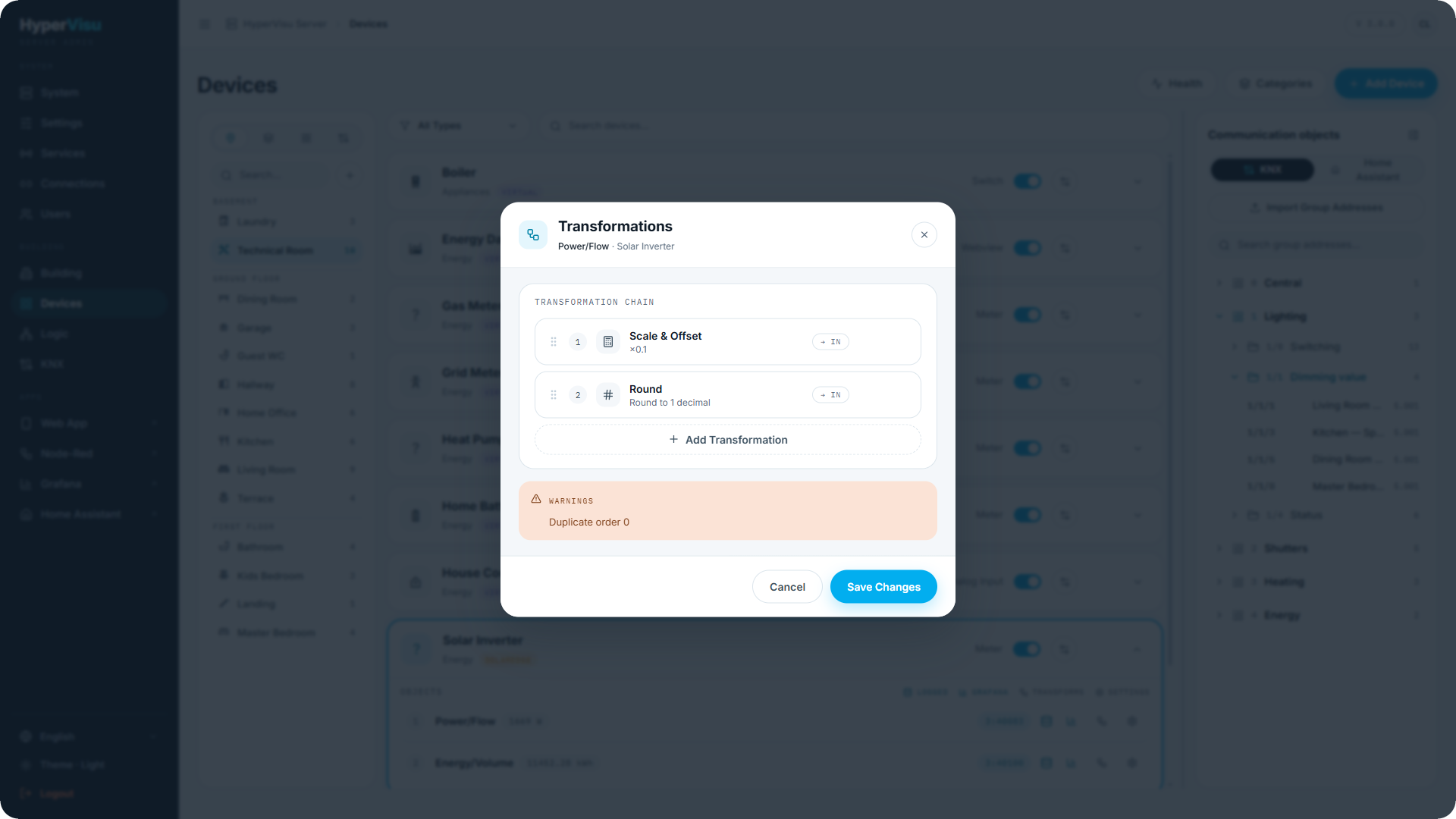
Validation. The editor validates the whole chain against the object and the protocol types:
- Blocking issues (e.g. scale of zero, incompatible chain output for the object type) must be fixed before saving.
- Warnings (e.g. a coerced or possibly lossy conversion) let you save but keep the object flagged on the Health page.
When you need a transformation
The Devices workspace tells you when a transformation is required: the DPT-mismatch dialog when binding KNX (see “KNX Integration”), and the data-type warning in the object settings (see “Object Settings, Logging & Notifications”). Until the converting transformation is in place, the object appears on the Health page.
The Health page
Open Health from the Devices page header. It lists every object with a problem:
- an incompatible protocol ↔ widget link (a binding whose types don't fit);
- a transformation configuration issue;
- a recent runtime error (a value that failed to convert at runtime).
Each row shows the object, its per-kind problem counts (config issues, runtime errors) and the details of every problem. From a row you can:
- Open in Devices — jumps straight to the device to fix the binding or the chain.
- Clear runtime errors — clears the recorded runtime errors for that object, or for all objects at once, so you can verify a fix against a clean slate.
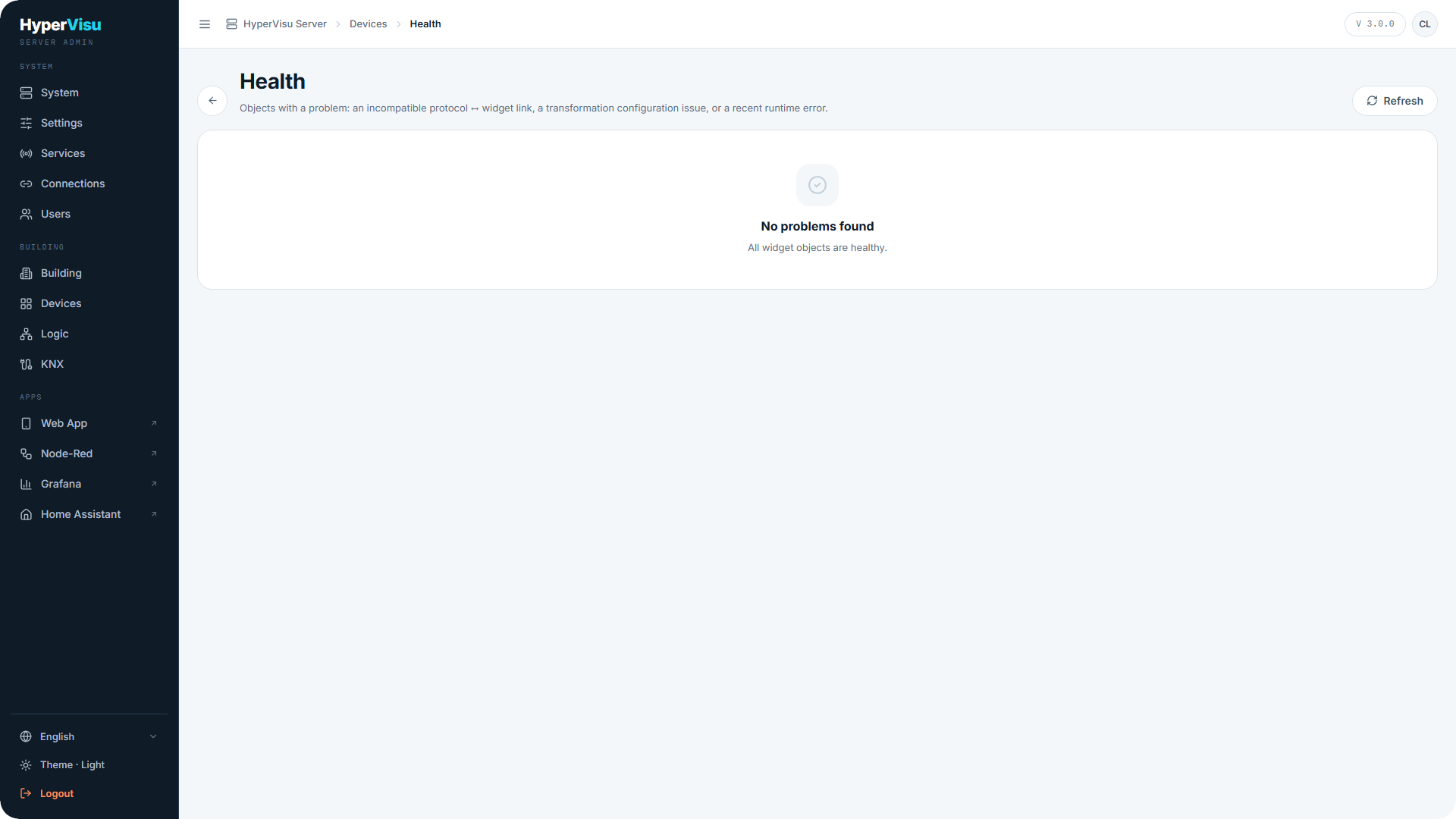
When everything is fine the page simply reports No problems found — all widget objects are healthy.
💡 Tip: After commissioning, open the Health page once with the installation live for a few hours: it catches the mismatches that only show up when real values start flowing.