
This user manual and related ETS application is valid for firmware versions 1.0.2.7 and above.
A “Firmware” group object (GO 2) is available on the device to read the firmware version as a string.

The firmware version can also be read from the gateway web page using a web browser. It is displayed on the top right of the page.
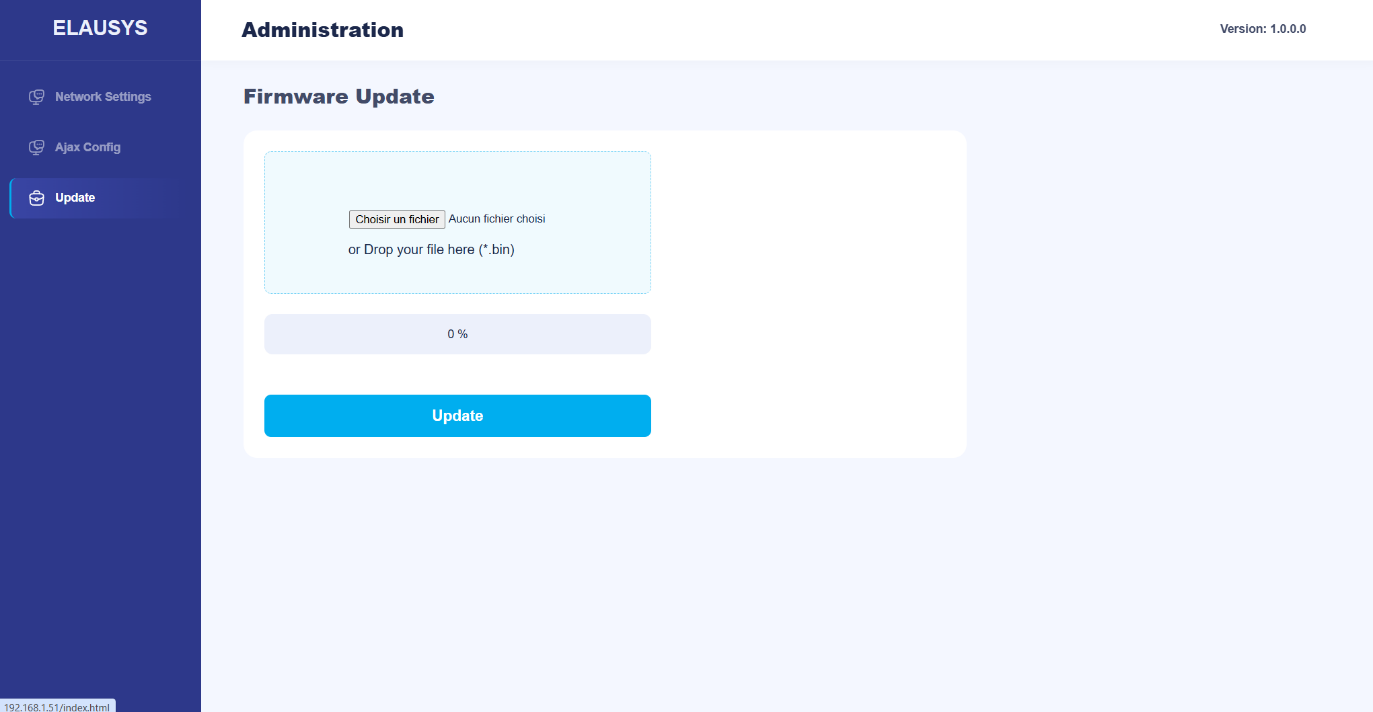
The Firmware update page shows when a newer version exists for the gateway and installs it in one click. A firmware file can also be chosen and installed with Install firmware. The gateway only installs firmware signed by Elausys, and keeps its settings.
Automatic updates: every night the gateway checks for a newer firmware and installs it, never during an alarm or an entry/exit delay. Choose Fixes only (default), All new versions or Off. Postpone 30 days and Check now are on the same page.
Factory Reset
Press the KNX programming button 4 times within 30 seconds. The Network LED blinks 4 times and the gateway restarts with its default settings: IP address 192.168.1.51, no Hub ID, no web password.
Note: The ETS application, the cloud registration of the gateway and its HTTPS certificate are kept.