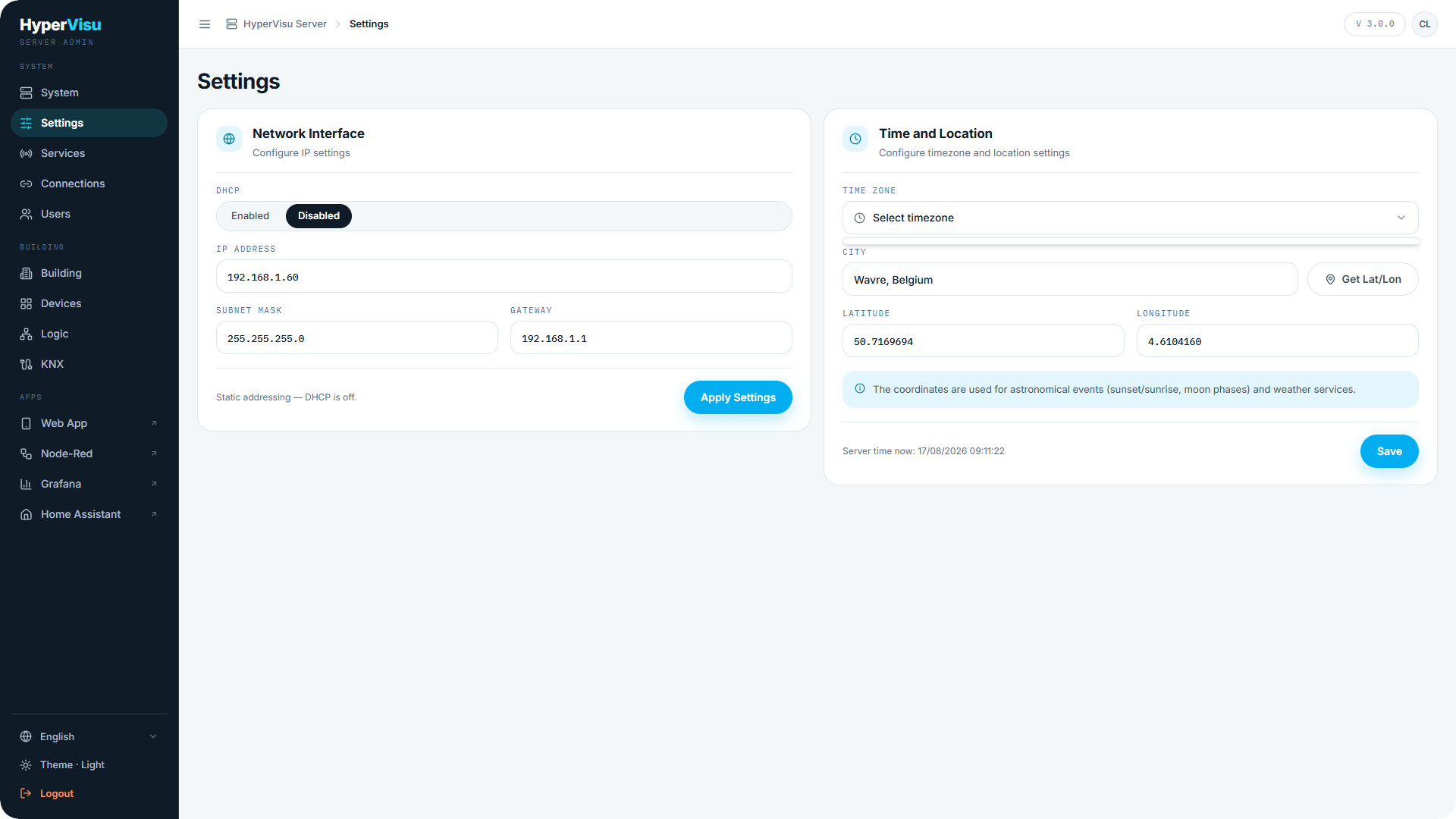
Settings (sidebar group SYSTEM) configures how the server sits on your network and where it is in the world. Get both right during commissioning: the address decides how you reach the server, and the location drives automations and scenarios schedules as well as sunrise/sunset calculation.
Network interface
The Network Interface card configures the server's IP settings:
- DHCP — when on, the router assigns the address automatically. The IP, mask and gateway fields show the assigned values.
- With DHCP off, enter static values: IP Address, Subnet Mask, Gateway. Each field is validated — you cannot apply an invalid address.
To change the address:
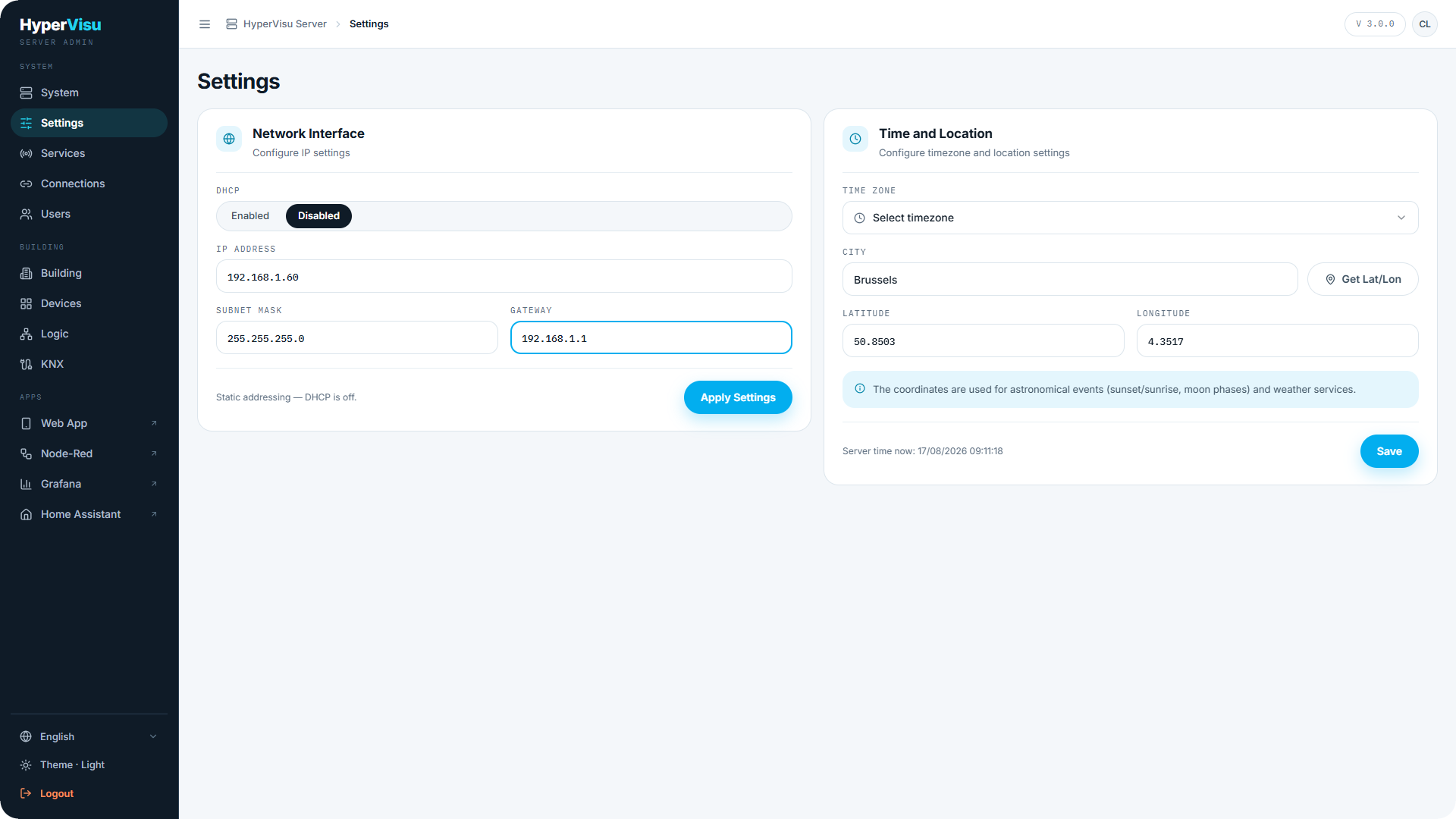
- Turn DHCP off (or leave it off) and enter the new IP Address, Subnet Mask and Gateway.
- Click Apply Settings.
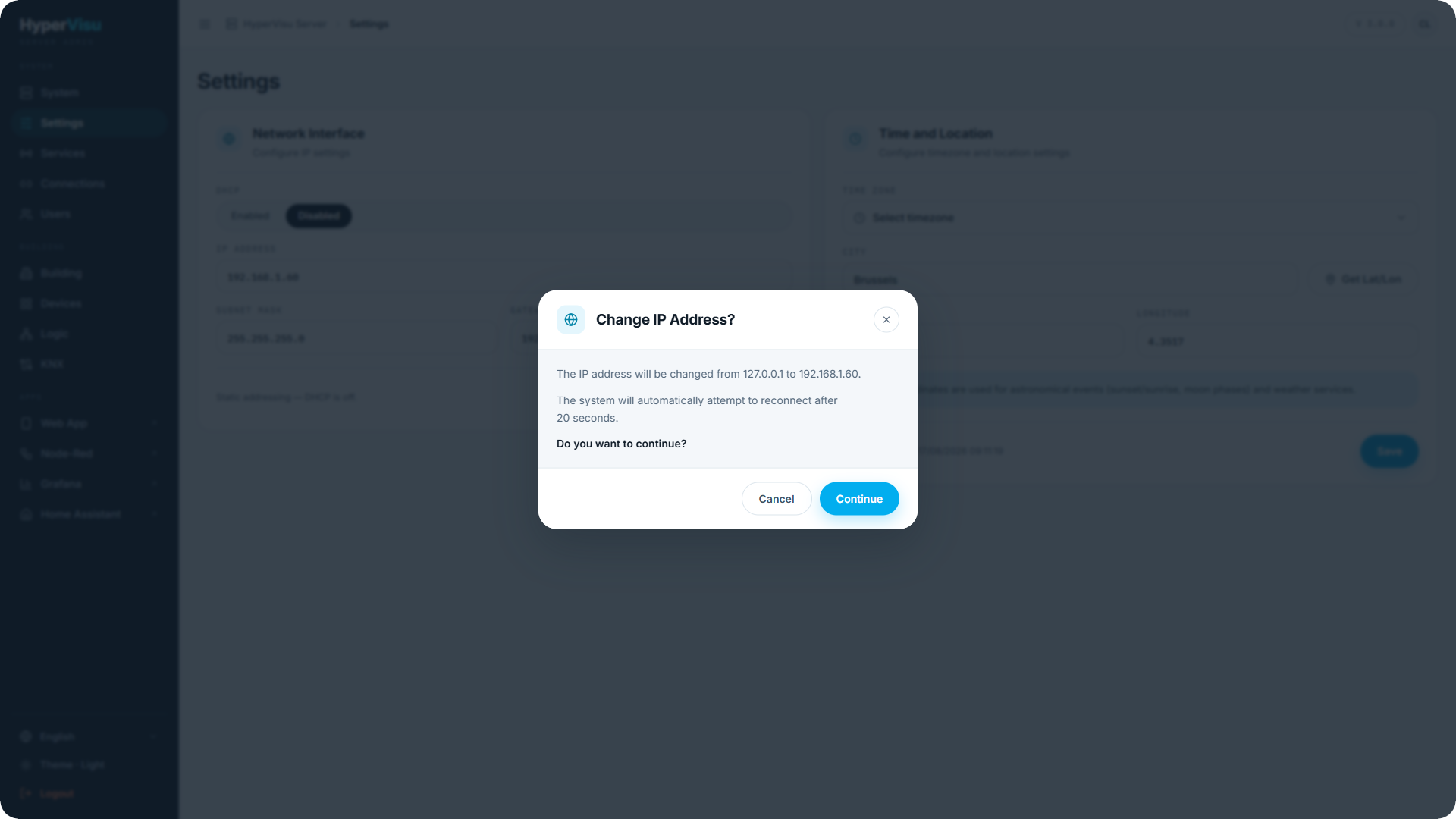
- A confirmation dialog shows the change (old address → new address) and warns that the system reconnects automatically after about 20 seconds. Click Continue.
- Wait through the countdown. The browser then redirects to the server's new address.
⚠️ Warning: A wrong static address can make the server unreachable from your network. Double-check the subnet and gateway before applying.
💡 Tip: If you do lose the server, open
http://hypervisu-<serial>.local/admin. The name follows the server whatever address it holds. See “Unboxing & First Power-Up” for the other ways back in.
💡 Tip: For a fixed installation, prefer a static address (or a DHCP reservation in the router) so the app and any bookmarks keep working.
📘 Note: Updating the server never changes its address. Whatever you set here survives an update.
Time and location
The Time and Location card sets the server's clock and coordinates:
| Field | Description |
|---|---|
| Time Zone | Pick your timezone from the list. The current server time is shown so you can verify it. |
| City | Type your city and click Get Lat/Lon to look up its coordinates. |
| Latitude / Longitude | The coordinates, filled by the lookup or entered manually. |
Click Save Coordinates to store them.
📘 Note: The coordinates drive the astronomical calculations (sunrise, sunset and the other sun events) and the weather service. Automations with sun triggers (see “Automations”), the Logic engine's astronomical clock (see “Logic Engine — Concepts & Canvas”) and the weather forecast (see “Weather Service”) all depend on them.