
Every control. One modular system.
Modular KNX actuators.
For lighting, blinds and heating.
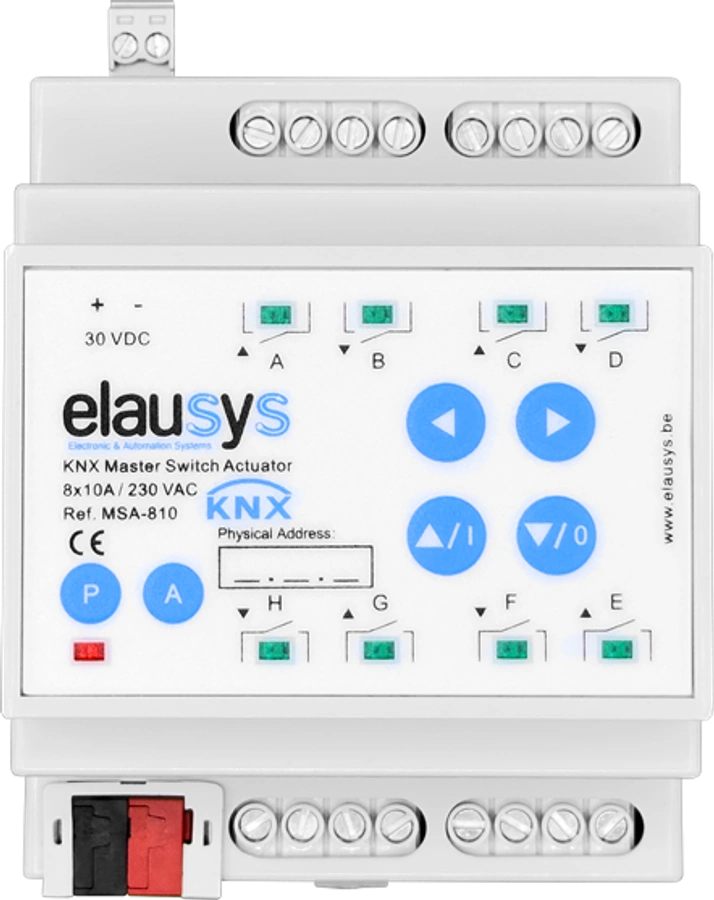
Start with the MSA-810 master and its 8 × 10 A switching outputs. Add extensions for lighting, blinds and heating, use one KNX address and run advanced logic locally.
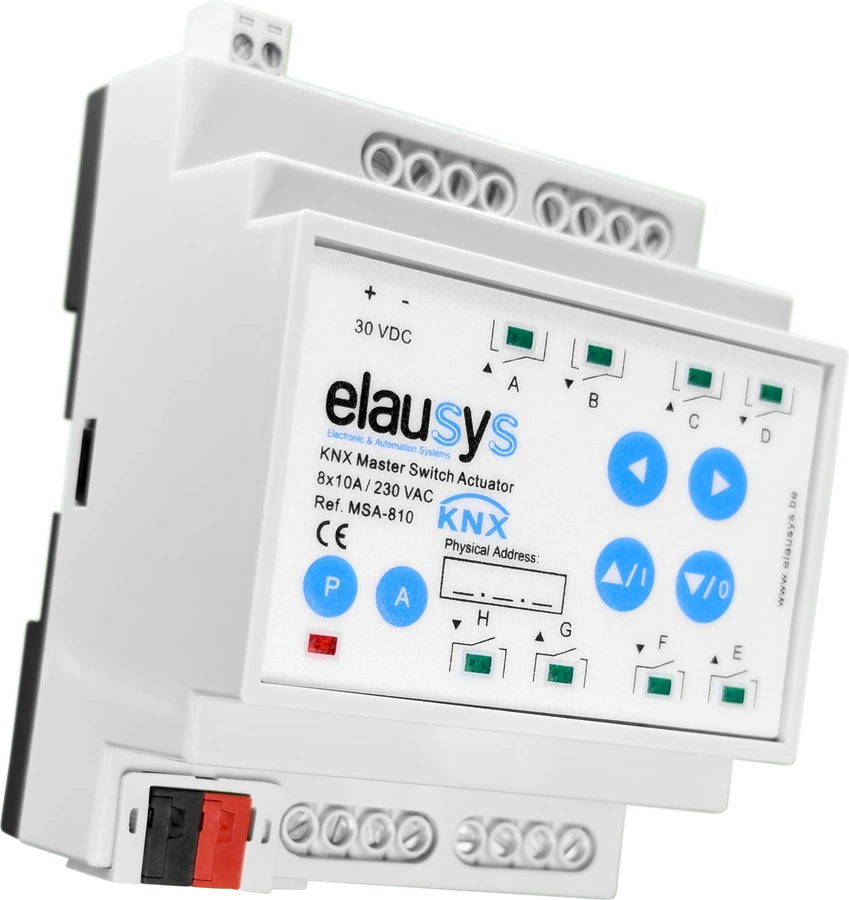
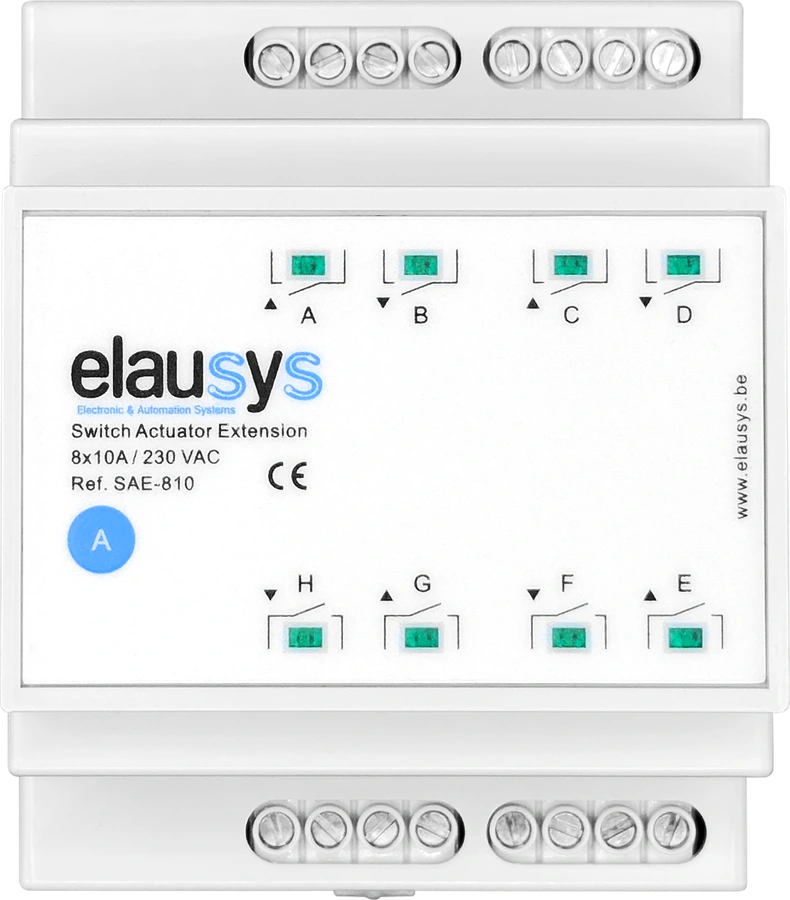
One master. The right extensions.
Build around the building.
Choose the output types that match your circuits. The master connects the assembly to KNX and manages its configuration.
Side connectors
Power & communication
One ETS application. Configure the master and its extensions as one KNX device.
Built-in control. Switching, scenes, timing and logic functions operate in the actuator system.
Space to expand. Plan the extension slots, channel allocation and panel space for your installation.
The extension range
A module for each function.
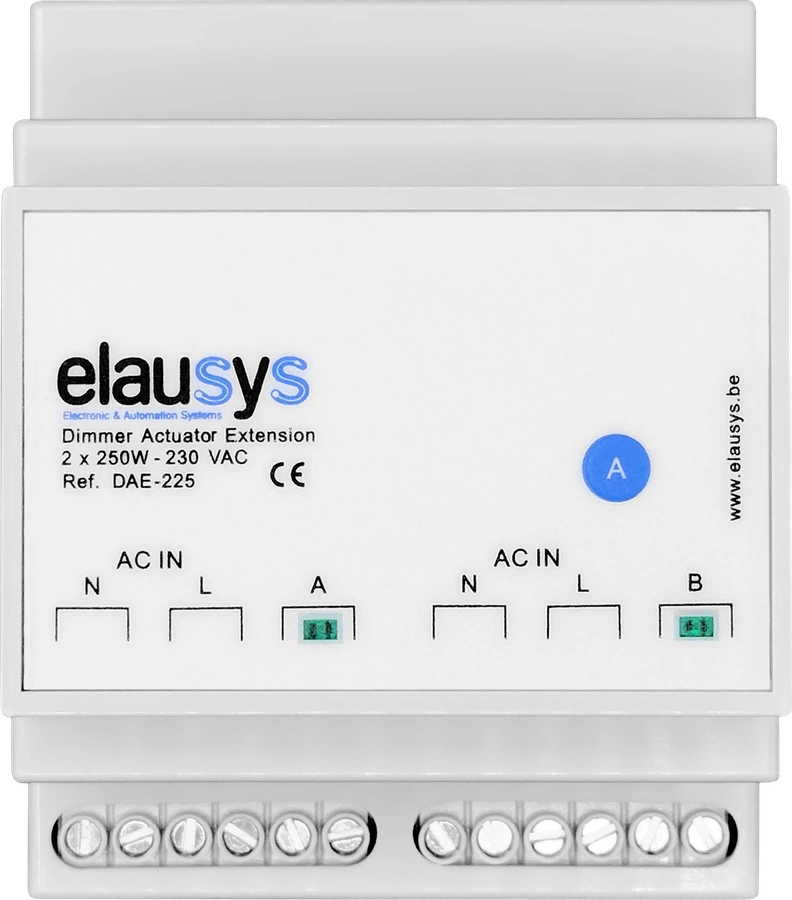
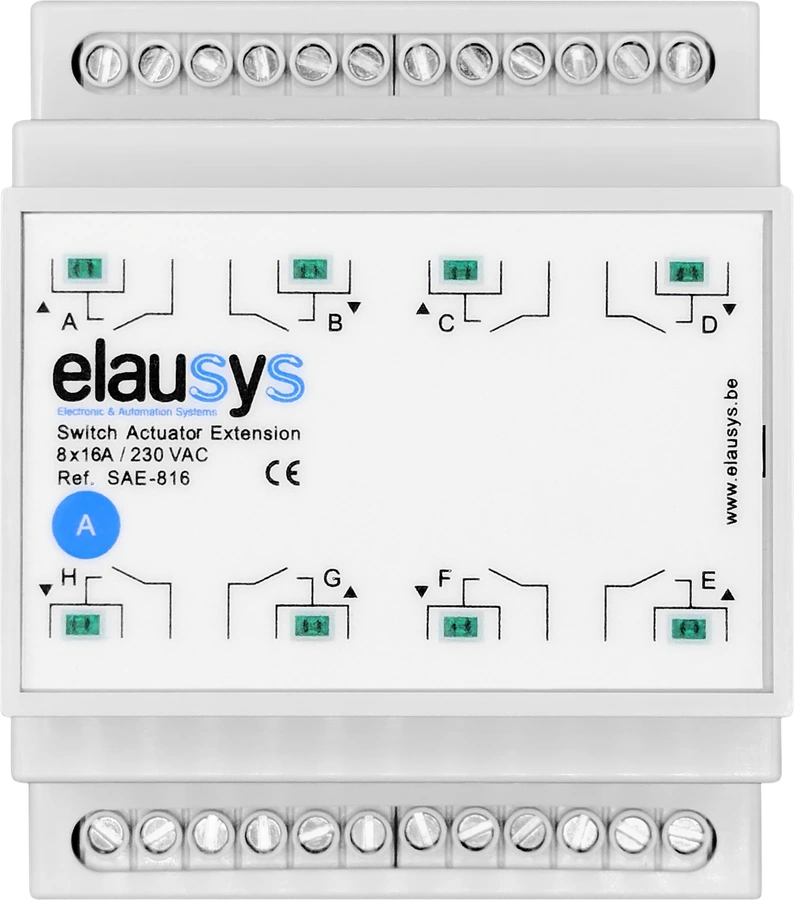
All extensions work with the MSA-810 master. Combine the functions you need within the system’s configuration limits.
9 extension modules shown
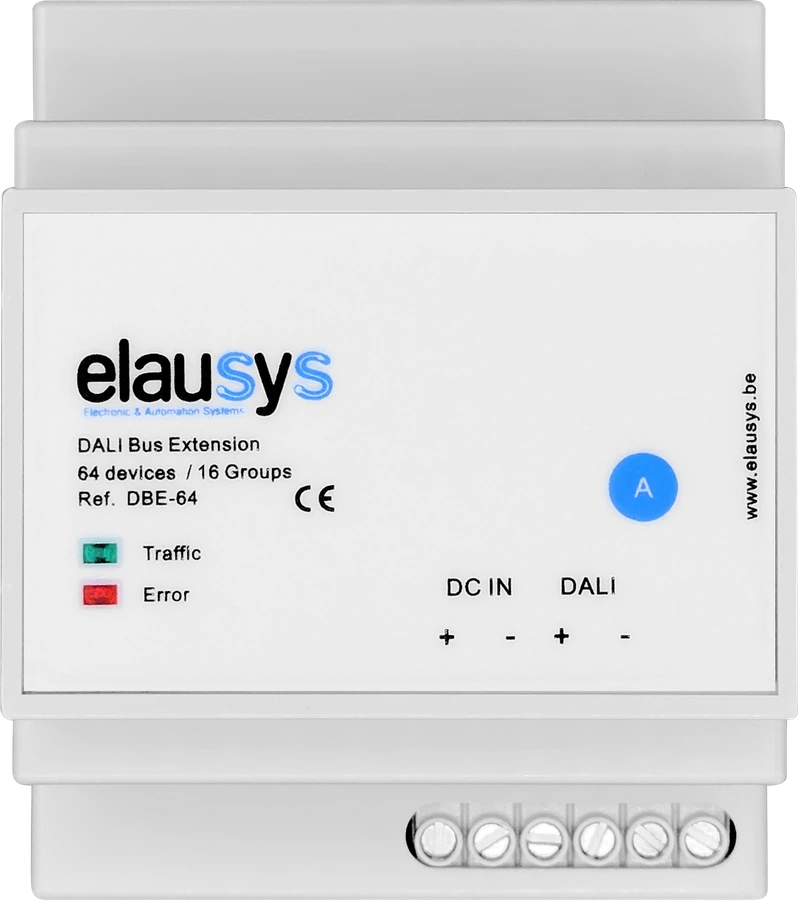
DALI lighting
DBE-64
64 devices · 16 groupsAddress and test DALI lighting through the web commissioning interface.
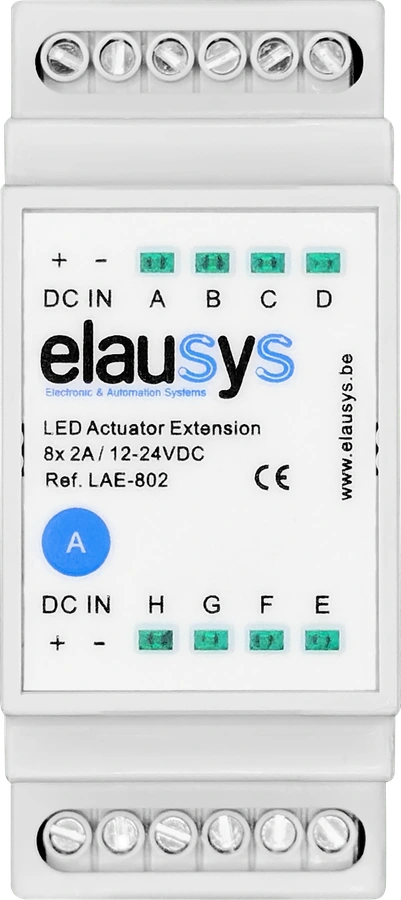
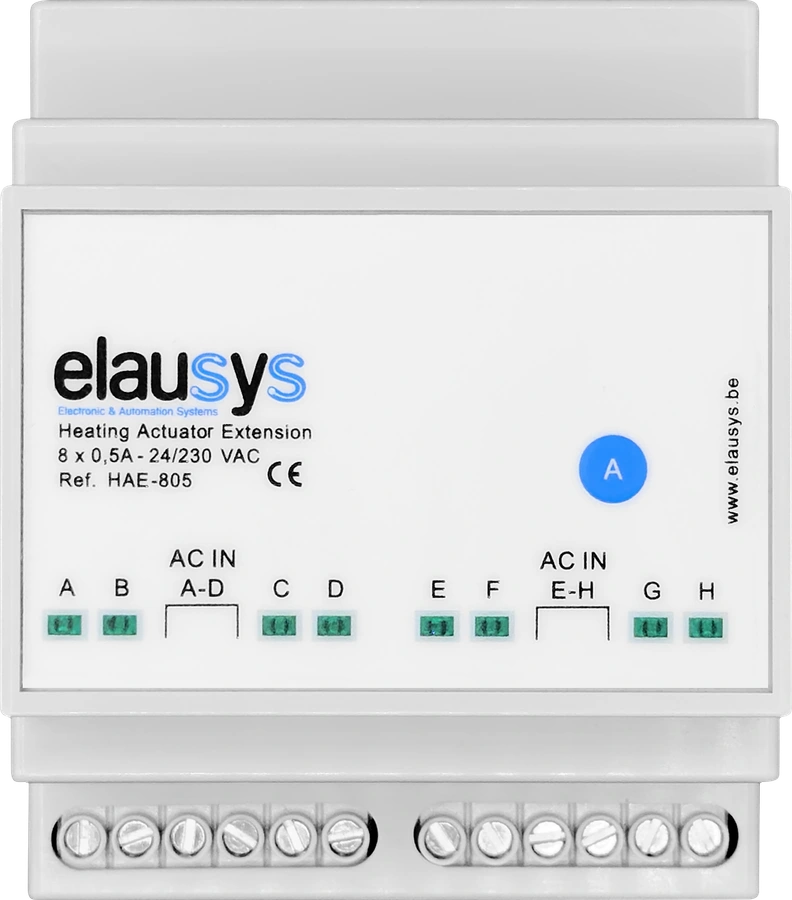
Heating & cooling
HAE-805
8 valve outputsControl 24–230 VAC valves with the system’s room regulation functions.
Analog control
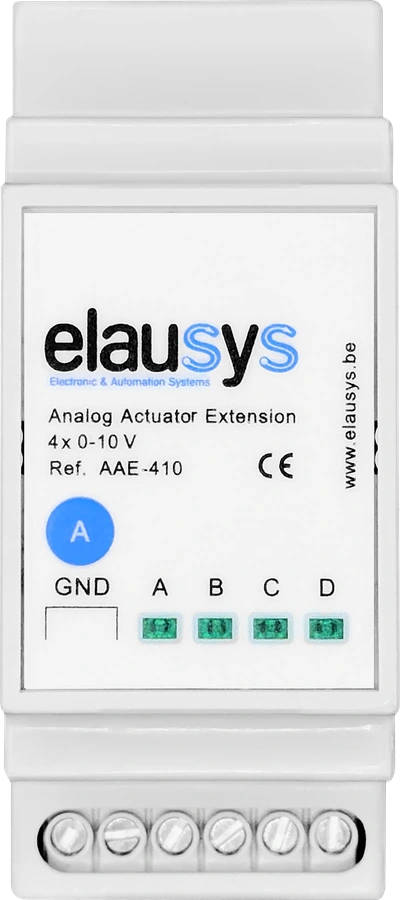
AAE-410
4 × 0–10 VProportional outputs for compatible ventilation, climate and lighting equipment.
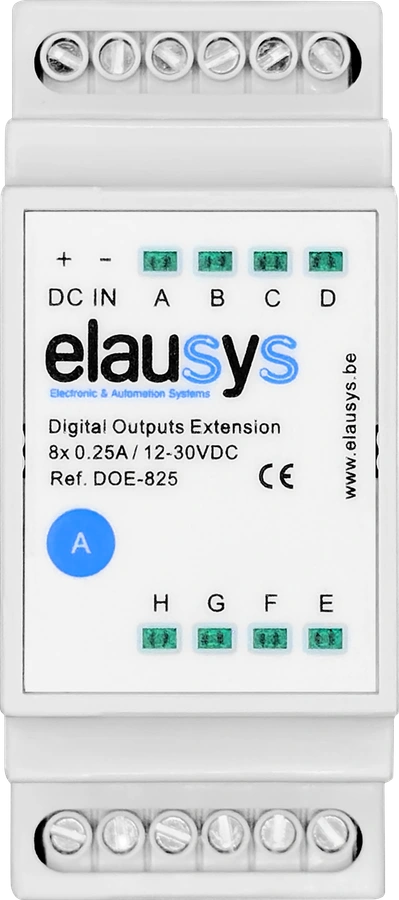
Plan the complete assembly.
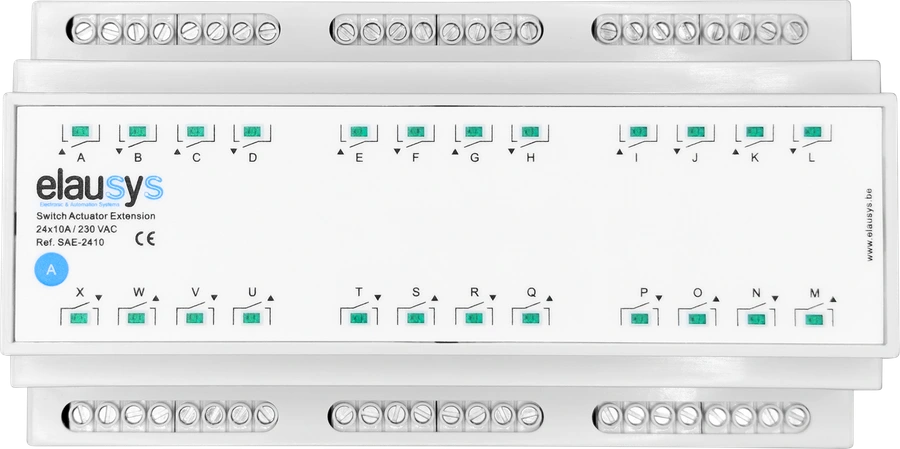
The master supports up to eight extension slots. A SAE-2410 occupies three. Channel capacity depends on the selected modules and functions; 72 is the system maximum.
MSA-810, SAE-810 and SAE-2410 are limited to 40 combined 10 A channels per master. DALI channel allocation and electrical ratings also need to be included in the configuration.
Read the system guideDesign. Configure. Commission.
The project takes shape
in ElauPro.
Define the rooms, panels and output functions in your project. Generate the ETS application from that configuration, then commission the installation in ETS.
Explore ElauPro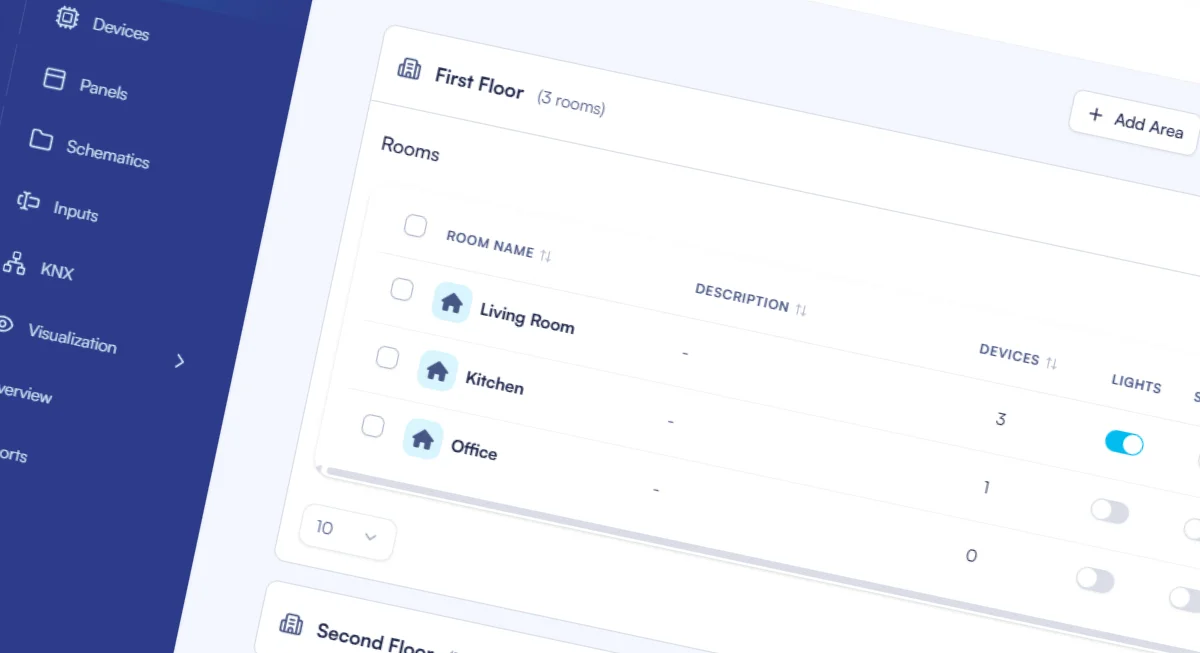
- 01Define the building
Organise rooms and identify the circuits and control functions.
- 02Select & configure
Choose modules and assign each output to its function.
- 03Commission in ETS
Import the generated application, program and verify on site.
More than switching
Control that suits
the way a room is used.
Use the same system for everyday comfort and the control logic behind it.
Lighting & scenes
Combine relay switching, phase dimming, LED and DALI extensions. The DBE-64 adds visual addressing, gear testing and lamp status monitoring.
Blinds & shading
Pair suitable relay channels for blinds and shutters, with position feedback and adjustable travel times.
Room climate
Use supported valve outputs with PWM, PI or two-point regulation. Add analog outputs where equipment requires a proportional signal.
Local automation
Create conditions, sequences, triggers and calculations in the master’s logic functions. No separate visualisation server is needed for these functions.
What does a KNX actuator do?
An actuator receives KNX commands and operates connected loads, such as lighting, blinds or heating valves. The output type must suit the equipment. Elausys combines a master actuator with extensions for different functions, configured as one KNX device in ETS.
What is a modular KNX actuator system?
The MSA-810 master provides 8 × 10 A switching outputs and manages connected extension modules. Choose supported switching, dimming, DALI, LED, heating, analog or digital outputs for your project. Extensions depend on the master and share its KNX physical address.
How many channels can the actuator system support?
Up to 72 channels, depending on the selected modules and configuration limits. Allow four DIN units for the master, space for extensions and a 24–30 VDC auxiliary supply. Check module widths, load ratings and channel allocation in the documentation before specifying the assembly. Use ElauPro online to prepare the module configuration and channel assignments. Plan with ElauPro.
Can a KNX actuator run logic without a server?
The MSA-810 runs its 64 logic functions in the master. Configured switching, scenes and timing operate locally without a visualisation server, with the required bus and power supplies.
Which KNX actuator outputs suit lighting, blinds or heating?
Choose switching outputs with the correct load rating, dimming or DALI modules for compatible lighting, and suitable outputs for blinds or heating valves. The master is rated at 10 A per switching channel; extension ratings differ. Use the module specifications rather than assuming every output is interchangeable.
The right system for your next project.
Let’s match the circuits, control functions and panel layout.